Use the free connection troubleshooter to record which tasks work and whether only incoming connections fail. Keep the router’s WAN address check with your own notes.
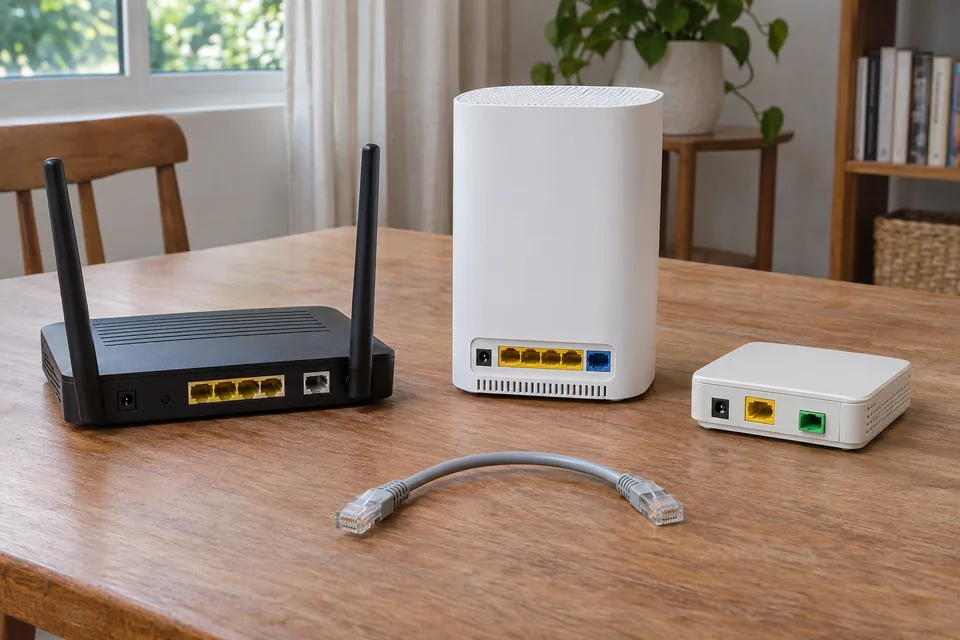
The question: The connection is fast, but the game reports strict NAT and port forwarding does nothing. Should I replace the router?
Separate speed from reachability
Web browsing and a speed test usually start connections from inside the home. A game, peer-to-peer feature or remote-access service may need different connection behaviour. A high throughput result therefore cannot prove that incoming traffic or the game’s traversal method works. Record the exact application message and feature that fails rather than using “strict NAT” as a diagnosis of one specific device.
Check the application’s service status and model-specific requirements first. Some features use relays and work without manual forwarding; others have explicit requirements. Do not expose a home service merely to test whether it becomes reachable, and do not use a security camera or NAS admin page as a convenient internet-facing target.
Draw the actual router chain
List the client, mesh or personal router, provider hub and any separate fibre terminal. Note which cable enters which WAN or LAN port. A fibre terminal is not automatically a router, and a mesh node is not automatically operating in routing mode. Read the actual configured mode and the vendor’s supported topology.
Google’s double-NAT guidance explains the common case of two routing devices in series. Where a provider hub and another router both perform NAT, each creates its own boundary. A vendor-supported access-point or bridge arrangement may be appropriate, but the choice depends on which device must keep routing, Wi-Fi and other features. Save the current configuration before changing modes.
Check address context privately
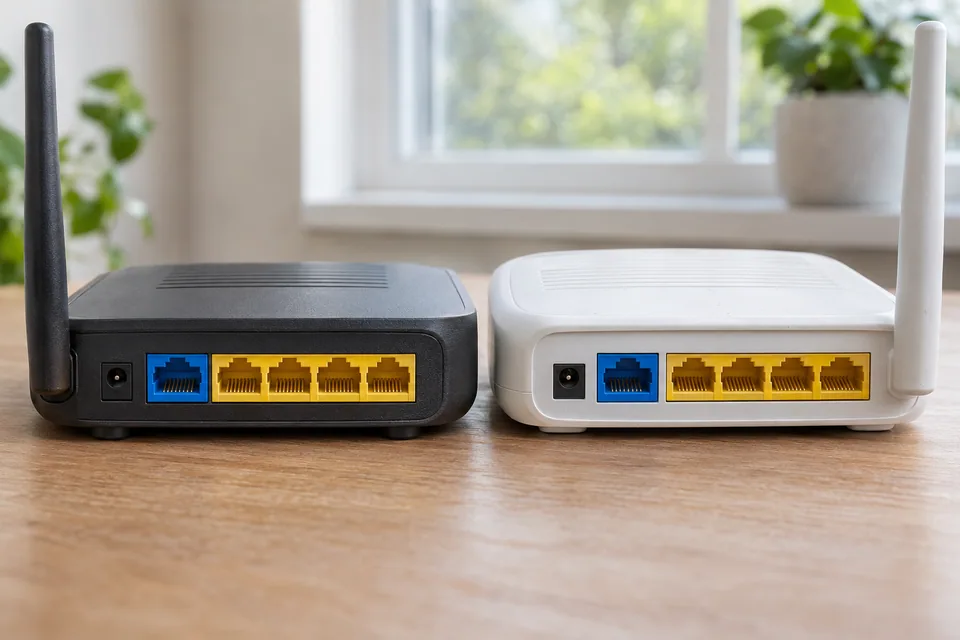
Inspect the internet/WAN address in the router’s own authorized management view and compare the provider’s documented service type. Private address ranges can indicate an upstream private network. The shared-address range 100.64.0.0/10 is reserved for provider sharing scenarios, but address appearance alone does not describe every deployment. Ask the provider whether the service uses CGNAT or supports a public reachable address.
Keep addresses and account details private. Browser tests cannot reliably inventory every router or determine all NAT behaviour. IPv6 is another path with different address and firewall rules; working IPv6 does not mean an IPv4 port-forward rule is meaningful. State which protocol and application requirement you are investigating.
Choose the supported configuration branch
If the issue is two home routers, review the vendors’ supported options and features before enabling bridge or access-point mode. Some mesh systems lose selected routing or guest features in a different mode. Provider voice, television or authentication services may depend on the hub. Do not remove it or reset it on a guess.
If the provider uses CGNAT, adding a local forwarding rule cannot remove the provider’s upstream boundary. Ask about the service’s supported public-address or remote-access options and their cost. An authorized outbound VPN or vendor relay can be suitable for some tasks, but it changes the path and must meet the application and security requirements. Avoid stacking arbitrary forwards or placing a device in a router’s DMZ as a blanket fix.
Verify only the intended application
| Evidence | Useful next step |
|---|---|
| Two local routing devices in series | Plan one supported routing topology and preserve required features. |
| Provider confirms CGNAT | Ask about supported reachability options. |
| Application fails on otherwise healthy supported topology | Check its service, platform and firewall guidance. |
| Only latency or congestion fails | Investigate the performance path separately from NAT. |
Repeat the original game or approved remote-access task after the change. Retain only the intended rules and verify ordinary browsing, household devices and guest access. Buying a new router helps only when its supported feature is actually missing. It does not automatically remove provider sharing or repair an application outage.
Keep a comparison record
Draw the device chain and record each operating mode. Keep any address evidence in private support notes and describe the relevant address class publicly instead of pasting an entire configuration.
Worksheet fields: Failing application feature; Client path; Provider hub mode; Second router mode; WAN address class; Provider CGNAT confirmation; Protocol required; Configuration change; Application retest.
Accept the result when: The intended application works on a documented supported topology with only the necessary approved access rules.
Download the blank CSV worksheetQuestions that change the next step
Does double NAT always make internet slow?
No. It can complicate particular connection and discovery features without visibly reducing a basic throughput test. Test the failing task.
Can a public IP checker prove port forwarding works?
No. An address observation does not establish the listener, firewall, protocol or full incoming path. Use the application’s approved test and avoid publishing private administration services.
Continue with the evidence you have
No new cable-test instrument is established as necessary by a browser, NAT or discovery result. Use the supported settings and task comparison first.
Questions before you change anything
Why does port forwarding fail even when internet speed is good?
Check router WAN address, upstream NAT, service listening state and firewall policy. Throughput and inbound reachability are different properties; a fast speed test cannot establish that an external peer can connect.
How do I distinguish double NAT from CGNAT?
Map the modem-router topology, compare the public address, and ask the provider about shared address space and inbound access. Address differences are clues; proxies, VPNs and IPv6 can complicate the comparison.
Would buying a gaming router remove CGNAT?
No. The provider-side translation is outside your router. Ask about public IPv4 availability, IPv6 support or an approved relay service. Check cost and compatibility before changing equipment.
Should I put my computer in the router DMZ?
Avoid broad inbound exposure as a troubleshooting shortcut. Follow the application’s specific port requirements, host security guidance and access controls. Open only the documented service when you understand the effect.
Does strict NAT explain high ping as well?
Not by itself. Separate matchmaking, peer connectivity, latency and packet loss. Check the game’s status and route while using its supported network setup; changing NAT cannot shorten server distance.
Questions and source links reviewed 21 November 2026. The answers apply the limits described in this guide; they are not a test of your equipment.
Sources and scope
The references support the measurement principles and device-specific checks. This guide organises them into a practical comparison sequence. Calculations are examples; the AI-generated scene illustrations are not test captures. Use the exact device documentation and the site methodology.
Reader questions that informed this update: Reddit: reader discussion. Individual reports help identify questions; answers above use the technical references in this guide.
Details worth checking
Will enabling UPnP fix a game server behind CGNAT?
UPnP can request a mapping from a compatible local router; it does not give you control of a provider’s CGNAT layer. Confirm the route and provider’s supported inbound options before changing mappings. For a game server, follow the game and router documentation and expose only a service you intend to host. Avoid stacking manual and automatic rules without a record.
Explain your own result
Replace the brackets with observations you actually made. Leave unknowns as “not checked”. This draft is written for this guide; it is not a quotation or an automatic diagnosis.
I want [game hosting/Plex/other inbound task]. Router chain [redacted layout], WAN address category [private/shared/public/unknown], provider CGNAT [confirmed/unknown], local task [result], remote task [error]. Help choose a supported reachability path without posting public addresses or opening broad access.
Copying stays on your device. Remove passwords, account numbers and private network details before sharing.
Reader questions that informed this update: Reddit: reader discussion. Individual reports help identify questions; answers above use the technical references in this guide.