
Where your employer allows it, use the free internet speed test to record a browser baseline on and off the VPN. Test the slow work site separately.
The question: My speed test is fine, but everything is slow when I use the work VPN. What evidence should I collect?
Define which traffic is failing
Write down the task: a public website, a company web application, a remote desktop session or a file copy. Note whether the VPN connects successfully and whether the problem starts only after connecting. An active VPN icon proves a tunnel session exists, not that every destination or company service is reachable or fast.
Some VPNs carry all internet traffic through a company gateway; others carry selected routes. DNS, security inspection, gateway load and the remote service can therefore change the experience. These are hypotheses to distinguish, not reasons to disable protection. On a managed device, follow the organisation's rules and ask its IT contact before altering VPN or security settings.
Make a controlled comparison
Choose an ordinary public page that you are allowed to open both ways. Keep the device, browser, location and time window the same. If policy allows, compare it with the VPN connected and disconnected, then reconnect. Record the VPN gateway or region shown by the client. A company-only page cannot serve as the off-VPN comparison if it is intentionally unreachable outside the tunnel.
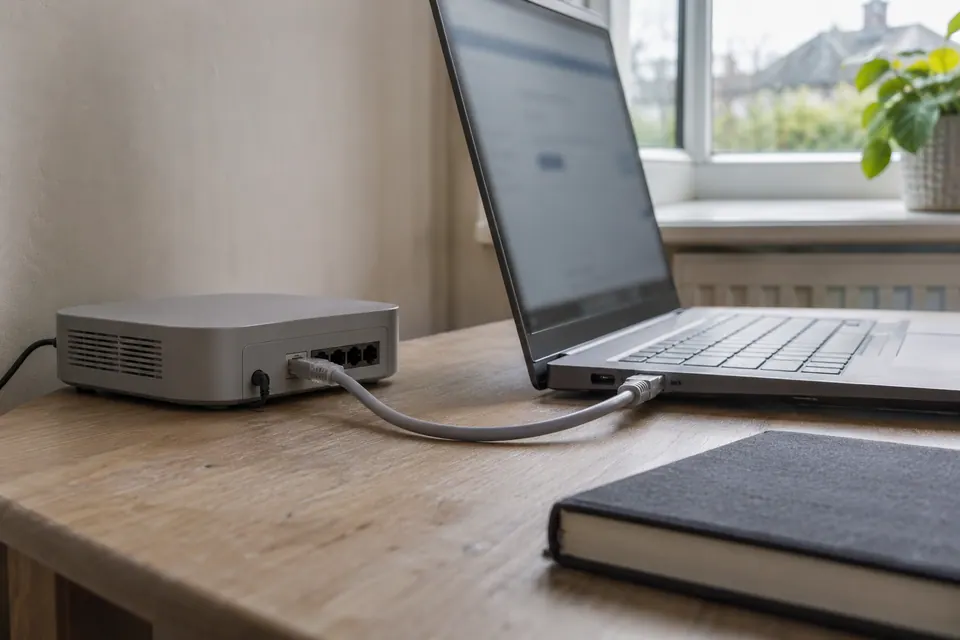
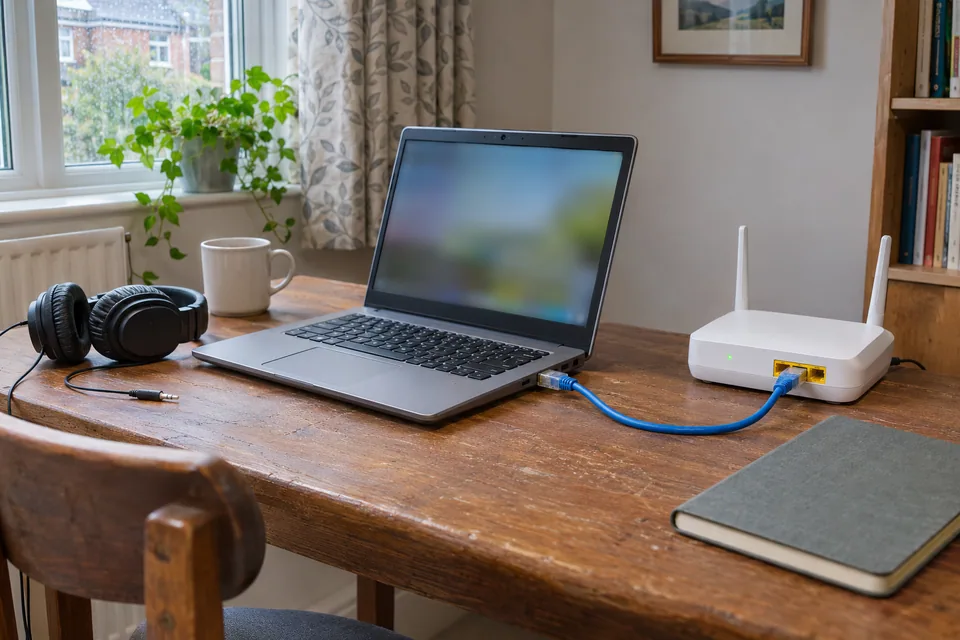
Repeat with a direct short Ethernet connection where available. If both VPN and ordinary traffic improve, local Wi-Fi is worth investigating. If ordinary browsing remains healthy and only VPN traffic fails on both wired and wireless connections, the tunnel or its destination path becomes the more useful escalation target. One result does not identify the exact remote component.
Keep the speed-test result in its proper scope
A browser speed test measures a transfer between the device and a selected test service through the route available at that time. Under a full-tunnel VPN, that route may include the company's gateway. A router's built-in test may bypass the laptop and VPN entirely. The two numbers are not interchangeable evidence of the same path.
Record throughput, request latency and whether the test completed. A normal result does not prove the work application is healthy. An incomplete request is not automatically packet loss. If the work client provides its own connection-health view, save the relevant error and timestamp without posting private server names, tokens or company logs publicly.
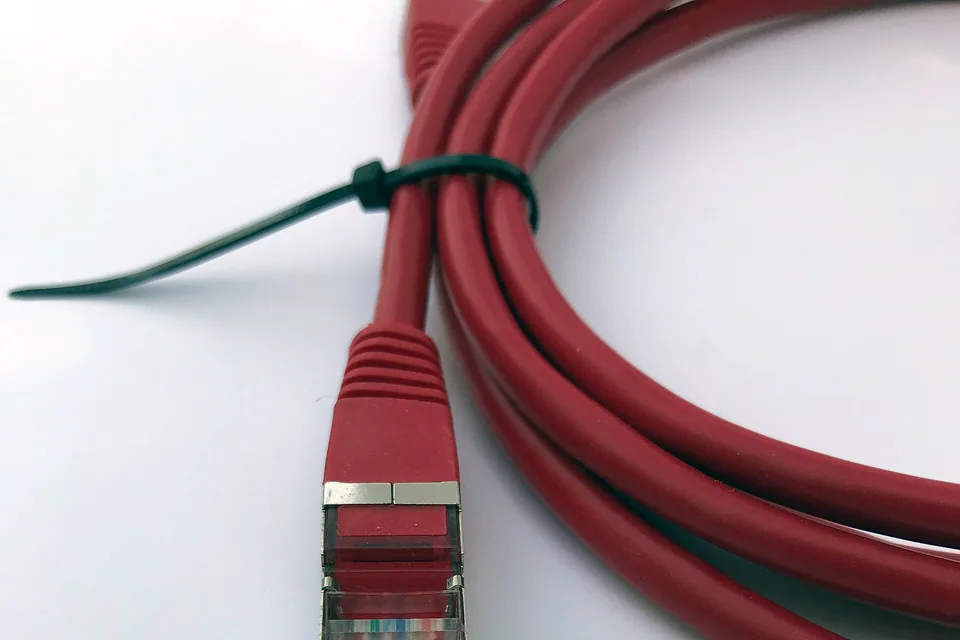

Use a small evidence table
| Same public task | What the result helps separate |
|---|---|
| Wi-Fi, VPN off / on, when allowed | The effect of the tunnel on that device and connection. |
| Ethernet, VPN off / on, when allowed | Whether the same effect persists without the Wi-Fi hop. |
| Company application and public page together | A destination-specific issue versus a broader tunnel issue. |
| Second permitted connection | Whether the symptom follows the device/tunnel or the access network. |
A phone hotspot is optional and may incur data charges; it is not needed if another approved comparison is available. If only one large page or transfer stalls while small requests work, report that pattern. Path-MTU and inspection issues are possibilities for the administrator, not a prompt to make arbitrary low-level changes yourself.
Escalate with a useful record
Give support the time and timezone, device and VPN-client versions, gateway name, connection type, failing application, exact visible error and the comparison results. Ask whether other users of that gateway see the same problem. Keep corporate identifiers in the organisation's approved support channel.
A faster broadband package or new mesh system is unlikely to help when the issue consistently follows the VPN on a healthy wired comparison. Spend only when the local comparison demonstrates a real access limitation. After support changes the client, policy or gateway, repeat the same public task and work task. A new speed-test number alone is weaker evidence than the application recovering under the same conditions.
Keep a comparison record
Write down one affected work task, such as opening a specific internal page, and one permitted public comparison. Keep the device and connection unchanged. If company policy allows a disconnected comparison, record the result without changing security settings or moving work files to a personal connection. Otherwise use an approved second device or ask the VPN administrator to run the comparison. Note whether the failure concerns name resolution, authentication, page loading or a file transfer; these are different support paths. A good browser speed result belongs beside the task result, not in place of it. Share a redacted summary with support that includes times and error wording but excludes passwords, tokens and internal document contents.
Fields in the worksheet: Time; Device and OS; Connection type; VPN connected; Permitted comparison; Affected service; Public site result; Corporate service result; Error or delay; Speed-test context; Ticket reference.
Download the blank CSV worksheetQuestions that change the next step
Should I change DNS to a public resolver?
Not as a first step on a managed VPN. Company applications may depend on internal DNS and policy. Record which names or tasks fail and use the approved support route.
Can WireTrace inspect my VPN gateway or private network?
The browser test observes its own test requests. It does not scan your company network or read VPN configuration automatically.
Continue with the evidence you have
Questions before you change anything
Why is the work VPN connected but websites are slow?
A successful tunnel does not establish application performance. Compare approved VPN route, DNS behaviour, work application and local connection. Keep the client error and time for your IT contact.
Can I turn off the VPN to test the difference?
Only where workplace policy permits. Record tunnel state, test destination, network type and approved comparison. Do not send work traffic over an unapproved path or disable protections to make a test succeed.
Why do some sites work through the VPN and others fail?
Check with IT for split tunnelling, proxy policy, internal name resolution and access rules. A different route can change several things at once; do not infer the cause solely from a working public site.
Could a packet-size problem affect VPN browsing?
It can, but diagnosing path MTU, fragmentation, blocked control messages and VPN overhead belongs within the approved support process. Avoid random MTU changes on a managed device.
What should I send IT instead of buying another router?
Provide redacted error text, client version, wired-versus-Wi-Fi result and failure timestamps. Do not share certificates, tokens or complete private logs in a public troubleshooting post.
Community scenarios behind these checks
- Reddit: good speed tests, but websites failed on one PC
The poster later identified local antivirus software. This is one reported case, not a reason to disable security software. Use vendor guidance and the approved support route to investigate a device-specific failure.
- X: a user reported fast public speed tests alongside poor everyday browsing
The report illustrates the need to compare the task that fails. It does not establish deliberate throttling or preferential treatment; those claims require evidence beyond differing test results.
Questions and source links reviewed 21 November 2026. The answers apply the limits described in this guide; they are not a test of your equipment.
Sources and scope
These steps combine the references below with a practical comparison sequence. Calculated examples are illustrative; no photograph or example is a claimed bench test. Follow the exact device documentation and site methodology.
Reader questions that informed this update: Reddit: reader discussion. Individual reports help identify questions; answers above use the technical references in this guide. One Reddit original post was deleted; only its displayed title and replies were available.
Details worth checking
Can split tunnelling explain why public and company sites behave differently?
It can, depending on the organisation’s policy. A full-tunnel route, a split route, company DNS and a required proxy can send different tasks through different paths. Ask IT which route is intended and report the exact failing action. Do not bypass the managed VPN or proxy to imitate another person’s configuration.
Explain your own result
Replace the brackets with observations you actually made. Leave unknowns as “not checked”. This draft is written for this guide; it is not a quotation or an automatic diagnosis.
Copying stays on your device. Remove passwords, account numbers and private network details before sharing.
Reader questions that informed this update: Reddit: reader discussion. Individual reports help identify questions; answers above use the technical references in this guide. One Reddit original post was deleted; only its displayed title and replies were available.