Before moving equipment, use the free internet speed test where you normally work or watch TV. Repeat in the same spot after each reversible change.
The question: I rent and cannot drill holes. How can I improve the internet in my room without wasting money?
Define a result you actually need
Choose the failing task: a stable call, a game, an upload or a television stream. Record which room, device and time are involved. “More bars” is not the final target. A device can have a strong connection to an extender while that extender has a poor route back to the router.
Keep a simple room list with the same task and connection test at each position. First establish a nearby-router baseline. If the task also fails there, investigate the service, device or application before buying equipment for the distant room. A bigger broadband package cannot remove a weak indoor radio path by itself.
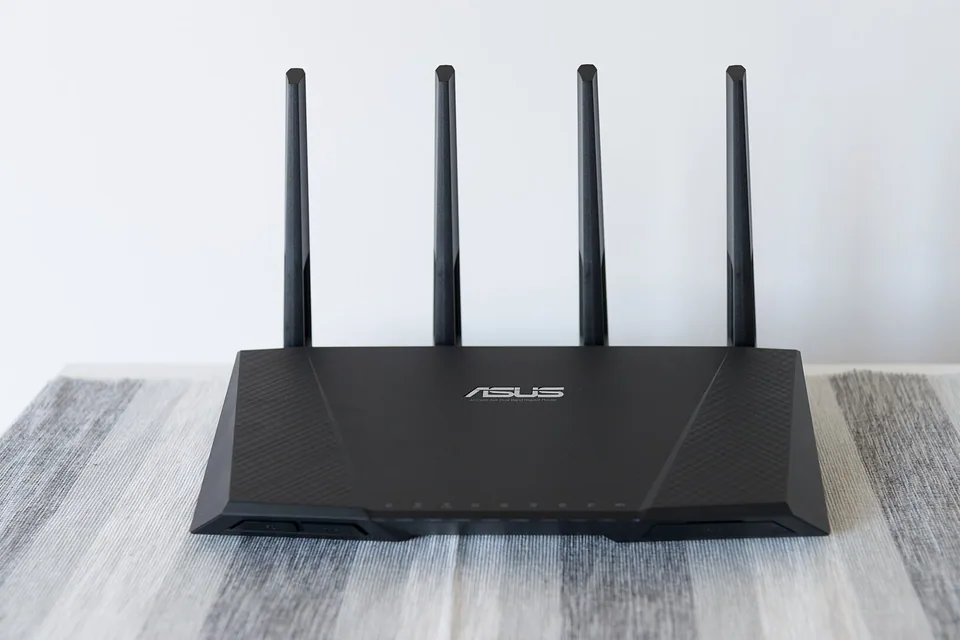

Make the free position comparison
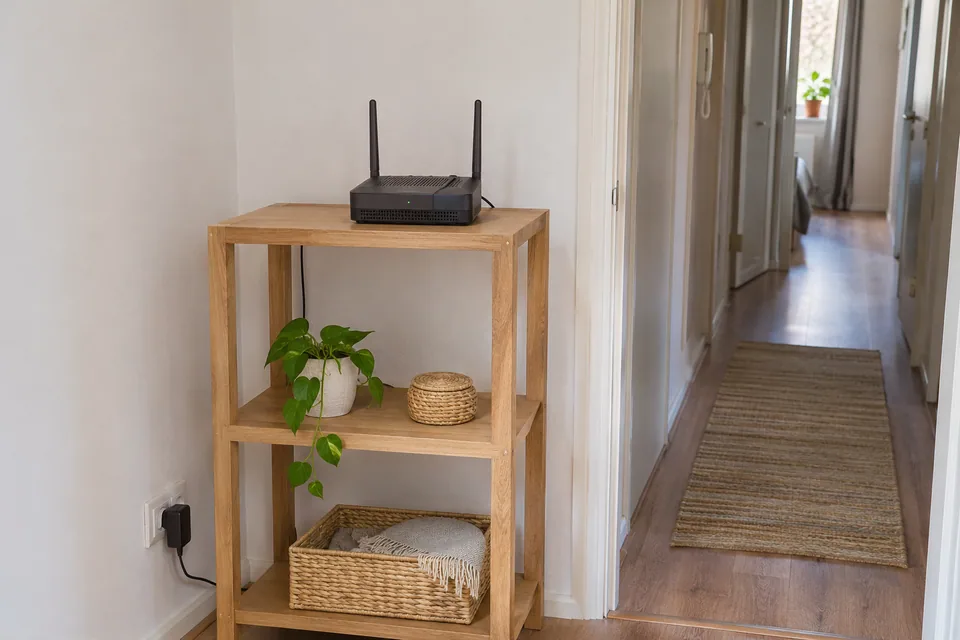
Where the service connection permits, put the router in open space, above floor level and away from metal cabinets or dense obstructions. Keep ventilation clear. Change one position at a time and re-run the same task from the same desk. Do not stretch, kink or disturb the incoming fibre or fixed provider connection to gain a small move.
Test another permitted device in the problem room. If one laptop fails while the other works reliably in the same place, focus on that laptop's adapter, configuration or software. If both improve near the router and degrade in the room, coverage or the path between them becomes a stronger candidate. These observations are more useful than a single screenshot of a speed result.
Use a safe temporary wired check
A known-good patch lead from the router to the laptop can show what happens without the wireless hop. Route it safely for the brief test, away from stairs, moving doors, escape routes and trip hazards. Do not leave a loose lead as a permanent solution. Ask permission for any permanent clips, trunking or changes to the property.
If the wired comparison fixes the real task, consider a reversible properly secured cable route or an access point fed by a permitted cable. If wiring is not practical, trial mesh with nodes placed where they still have a good upstream connection. The most distant room is not necessarily the right place for the intermediate node.
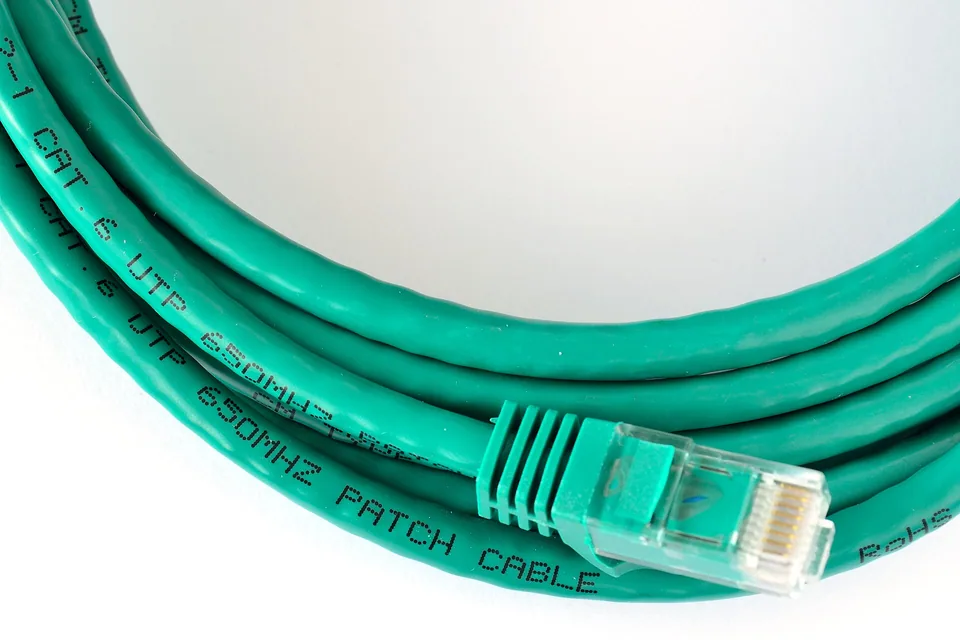

Compare the compromises before purchasing
| Option | What to prove first |
|---|---|
| Move the router | Same desk and task improve without harming other rooms. |
| Reversible Ethernet route | Safe routing and property permission; target device works wired. |
| Wireless mesh or extender | The proposed node position has a healthy upstream connection. |
| Powerline | A trial over the actual sockets works under normal household conditions. |
Powerline performance depends on the electrical installation and connected equipment. Avoid assuming a printed headline rate is usable application throughput. Mesh headline rates may also combine bands and describe radio link capacity rather than the speed available to one laptop. Check the exact model and its Ethernet port capabilities.
Verify the room after the change
Repeat the same room route at a representative busy time and use the actual call, upload or game. Keep both before and after results, including the node position and which connection the device used. If supported, the router or mesh app can show the connected node and backhaul; the browser alone cannot scan channels or read reliable signal-strength data for your whole home.
A purchase is justified by a demonstrated gap: an upstream node position, an extra local access point or a suitable cable route. It is not justified merely by a newer Wi-Fi generation. Stop when the required task is reliable. Retain a rollback position and settings record so that a later furniture move or router replacement does not make the result impossible to reproduce.
Keep a comparison record
Choose two locations and the same device: close to the router and the desk where work fails. Repeat the same call or website task at a similar time. Record the router position and any mesh node position before moving either. A temporary safe Ethernet comparison is useful when available, but do not run a lead across a doorway or escape route. Change one position at a time and repeat the desk test, including the busiest normal period. Write down whether an improvement is in speed, call stability or page response. If the near-router result also fails, spending on another coverage device may address the wrong problem. Get permission before any fixed cabling, wall attachment or installation change that affects the property.
Fields in the worksheet: Room and desk position; Device; Task; Time; Router or mesh position; Connection band if known; Near-router result; Desk result; Temporary Ethernet result; Permission needed; Change and retest.
Download the blank CSV worksheetQuestions that change the next step
Can I use adhesive clips without asking?
Property rules and surfaces vary. Confirm permission and use products suitable for the surface and cable; plan a safe route that does not obstruct access.
Should I separate 2.4 and 5 GHz names?
Only when the model guidance and a specific compatibility or diagnosis need justify it. Record the original setting and compare results; do not treat split names as a universal fix.
Continue with the evidence you have
Questions before you change anything
How can I improve Wi-Fi in a rented home without drilling?
Test router placement, temporary node locations, safe cable routes and actual room performance. Start with reversible comparisons and check the tenancy rules before attaching or altering anything.
Can I run a temporary Ethernet cable to my desk?
Use a route that avoids trip hazards, door crushing, escape routes and connector strain. A safe temporary lead can establish the benefit of a wired path; do not run loose cable across shared walkways.
Would mesh work through thick rented-property walls?
It depends on backhaul quality, wall materials, node spacing and available sockets. Trial the intended route before buying multiple nodes. A unit placed in a dead spot may have no usable upstream signal.
Is powerline a good no-drilling option?
It is worth a measured trial where allowed. Compare wall outlets, electrical circuits, appliance interference and sustained performance. Do not open sockets or modify wiring to improve a networking experiment.
How do I decide whether an upgrade is worth the cost?
Record desk-call reliability, evening browsing, latency under load and return-policy terms. Compare the original and trial setups under the same workload before committing to an installation or subscription.
Questions and source links reviewed 21 November 2026. The answers apply the limits described in this guide; they are not a test of your equipment.
Sources and scope
These steps combine the references below with a practical comparison sequence. Calculated examples are illustrative; no photograph or example is a claimed bench test. Follow the exact device documentation and site methodology.
Reader questions that informed this update: Reddit: reader discussion. Individual reports help identify questions; answers above use the technical references in this guide.
Details worth checking
Can I get a stable gaming connection without drilling?
A reversible Ethernet trial can separate the radio path from the broadband route. Keep the cable away from door pinch points and escape routes, and obtain permission for any fixing. Test gaming latency as well as download speed at the busy time. If a temporary cable works, discuss a permitted permanent route or a supported wireless alternative with the landlord.
Explain your own result
Replace the brackets with observations you actually made. Leave unknowns as “not checked”. This draft is written for this guide; it is not a quotation or an automatic diagnosis.
I rent [property/room] and cannot [drill/move service]. Same device by router [result], at desk [result], safe temporary Ethernet [result]. Allowed changes [details], landlord permission [state], task [call/game]. Suggest a reversible trial and what would justify buying equipment.
Copying stays on your device. Remove passwords, account numbers and private network details before sharing.
Reader questions that informed this update: Reddit: reader discussion. Individual reports help identify questions; answers above use the technical references in this guide.