If a known-good lead fixes the dropouts, compare the intermittent-fault example in the free cable fault library before relying on a momentary wiremap pass.
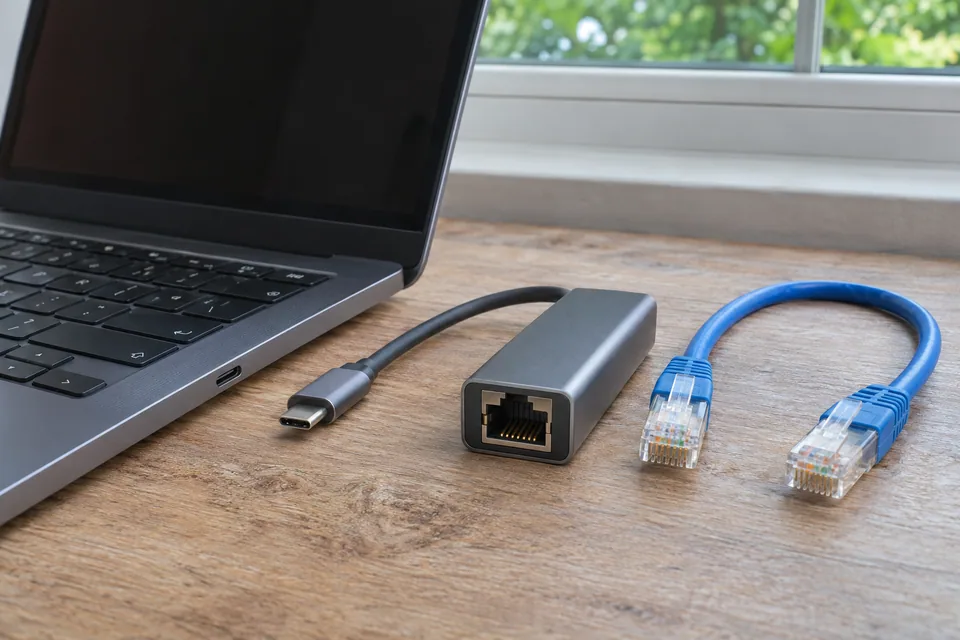
The question: The wired connection drops for a few seconds several times a day. Is it the wall cable, USB dock or broadband?
Identify what disappears during the event
Record the exact time and whether the computer reports disconnected Ethernet, an address change or only an application timeout. Check the supported link/status view on the device and switch where available. A brief task failure with a stable Ethernet link is different from the interface renegotiating. A browser page alone cannot expose every physical port event.
Save ordinary system or adapter event details if you know how to obtain them, and remove private information before sharing. A link indicator can be useful but is not a full performance test. Note whether other devices fail at the same time and whether the symptom coincides with dock power changes, laptop sleep or physical movement.
Make a stable short-path baseline
Use a known-good short patch lead from the same device to the intended router or switch port, bypassing the wall run where practical. Keep the same task and run the comparison long enough to include the normal failure condition. A five-minute pass does not disprove an event that normally happens once in an afternoon.
Change one variable at a time. Try a different lead while keeping the port, then a permitted alternative port while keeping the lead. Do not disconnect shared production devices to borrow a port without coordination. Record the negotiated rate and supported adapter settings instead of forcing a speed or duplex mode on a guess.
Inspect connection and dock conditions
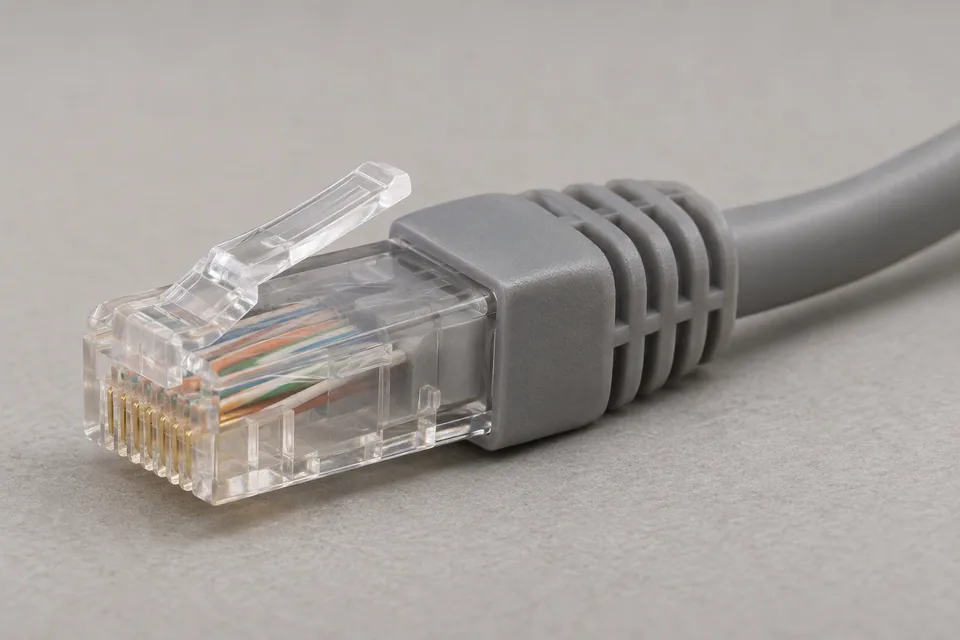
With the connection safely disconnected as appropriate, inspect connector latches, strain relief, socket fit and obvious cable damage. A cable pulled tightly by furniture or a desk move can create an intermittent connection. Reseating something may restore service, but the fact that it helped once does not identify which contact was at fault.
If a USB dock or adapter is involved, compare a supported direct Ethernet interface or another known-good compatible adapter. Record dock model, power supply, USB connection and the laptop’s power state. Follow current device/vendor driver and firmware guidance. Avoid changing several power-management and driver settings together, because that removes the ability to tell what made the difference.
Test the installed run at the right capability
If the short path is stable and the fault returns through the installed run, inspect its two end connections and patch leads before touching fixed wiring. A disconnected continuity/wire-map test can reveal basic opens or miswiring under that test condition. It does not certify throughput or guarantee that an intermittent fault will appear while the cable is stationary.
A qualification or certification test addresses different questions with different equipment. Record the required link and the installed cable type. Do not repeatedly reterminate both ends without retaining evidence. On an active business or PoE path, use only equipment explicitly rated for that connection and follow its instructions; a basic disconnected-cable tester is not a universal active-port tool.
Use the fault’s movement as evidence
| Result of the controlled comparison | Next focus |
|---|---|
| Fault follows one patch lead | Replace that lead and repeat the original path. |
| Fault follows one permitted port | Check that port’s state and vendor guidance. |
| Fault follows one dock or power state | Review supported adapter, firmware and power configuration. |
| Only the installed route fails | Test end connections and cable at the needed capability. |
If the Ethernet link remains stable while several applications fail, return to the network/service branch instead of assuming the cable is bad. After a repair, repeat the original task through ordinary sleep/wake, desk use and the representative time window. Buy a tester only when its capability answers the unresolved installed-run question.
Keep a comparison record
Keep a timeline that distinguishes link down, address state and application failure. Record one substitution per row and the observation period; a short pass needs a clear limit.
Worksheet fields: Time and duration; Physical link state; Device and dock; Lead identifier; Port; Installed route or bypass; Negotiated rate; Power or sleep condition; Task result; Observation duration.
Accept the result when: The original wired task remains reliable through the original triggering condition and a representative observation period.
Download the blank CSV worksheetQuestions that change the next step
Do eight wire-map lights prove an intermittent cable is good?
No. They report a basic condition at that moment using that test method. Intermittence, bandwidth and installation compliance require different evidence.
Should I force the adapter to 1 Gb/s?
Use supported negotiation and vendor guidance first. Forcing settings can create a mismatch or hide a physical problem without repairing it.
Continue with the evidence you have
- Choose verification, qualification or certification
- Check a slow USB Ethernet dock
- Trace a failing wall outlet
Compare cable tools only if an installed-link question remains →
Questions before you change anything
Why does my Ethernet connection keep disconnecting?
Record whether physical link, DHCP address, router internet session or application connection drops. Link flapping has a different starting point from a browser error while the port stays connected.
How do I isolate the lead, port and USB dock?
Compare a known-good short cable, alternate authorised port, direct adapter path and stable power source. Change one item at a time and retain the event times.
Could power saving or a driver cause link flaps?
Check adapter event logs, driver version, sleep transitions and vendor power settings. Use documented reversible changes; a generic registry tweak is poor evidence and may create another fault.
All pins pass a tester; could the cable still be intermittent?
Yes. Compare connector movement, contact pressure, error counters and sustained link state. A quick unpowered continuity test may not reproduce a load-, movement- or temperature-dependent failure.
When should I replace the installed cable?
First bypass patch cords, wall terminations, dock hardware and endpoint ports. Replace the fixed run when repeatable comparisons point there, rather than from a single disconnected notification.
Community scenarios behind these checks
- Reddit: all eight conductors passed, but several runs negotiated at 100 Mbps
This is a reported installation problem, not a WireTrace test. Check endpoint capability and substitute a known-good lead before reterminating or replacing a fixed run; continuity does not certify transmission performance.
Questions and source links reviewed 21 November 2026. The answers apply the limits described in this guide; they are not a test of your equipment.
Sources and scope
The references support the measurement principles and device-specific checks. This guide organises them into a practical comparison sequence. Calculations are examples; the AI-generated scene illustrations are not test captures. Use the exact device documentation and the site methodology.
Reader questions that informed this update: Reddit: reader discussion. Individual reports help identify questions; answers above use the technical references in this guide.
Details worth checking
Can an error counter or split-pair test explain the link flaps?
Record the switch port’s error counter and link-event times before clearing anything. A counter names what that interface observed, not the location of the fault. A split pair may require a pairing-aware wiremap or performance test; an ordinary continuity pass can miss it. Keep the short-lead comparison and the documented retest alongside the counters.
Explain your own result
Replace the brackets with observations you actually made. Leave unknowns as “not checked”. This draft is written for this guide; it is not a quotation or an automatic diagnosis.
At [event time], Ethernet status [state], LEDs/logs [observation], application [error]. Stable short lead [result], wall path [result], direct/dock [results], sleep/wake [pattern]. Help select the next substitution and distinguish physical renegotiation from a service failure.
Copying stays on your device. Remove passwords, account numbers and private network details before sharing.
Reader questions that informed this update: Reddit: reader discussion. Individual reports help identify questions; answers above use the technical references in this guide.