
1. Prove the device before blaming the wall
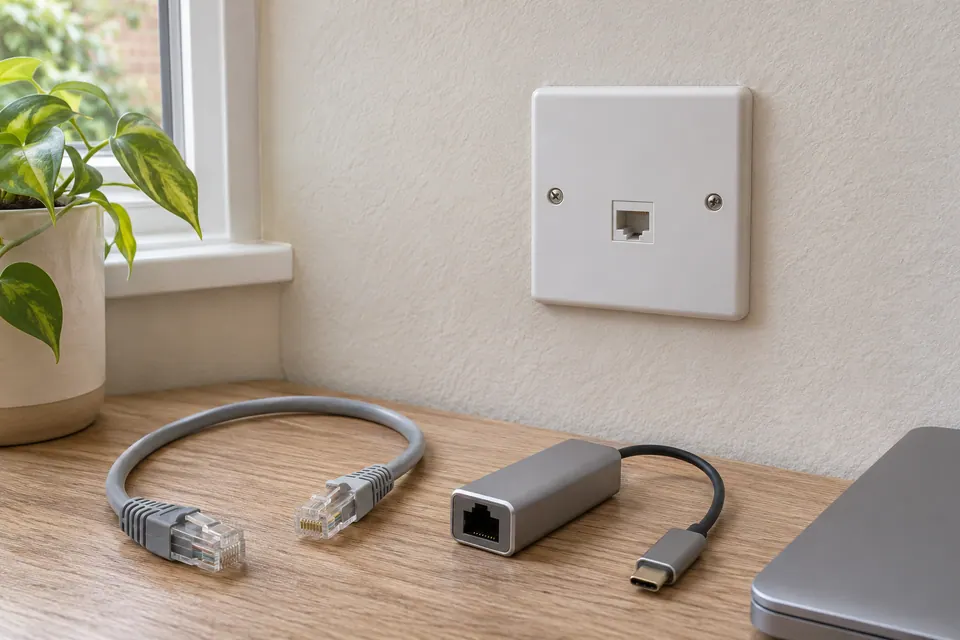
Connect the same computer to a known-working LAN port on the router or switch with a short, known-good patch lead. Check whether the operating system reports a physical Ethernet link. If it does not, compare another lead, port or suitable adapter before investigating hidden wiring.
If the short connection links but internet access fails, that is a different symptom. Addressing, network policy or the upstream service may still be responsible. A wall socket cannot be diagnosed solely from a browser’s “no internet” message. Keep link status and internet access in separate columns in your notes.
A successful baseline should use the intended network, not an unrelated guest port. On a managed office network, ask the administrator which port is approved; do not move equipment between labelled VLANs merely because a spare port is available.

2. Find where the wall socket actually ends
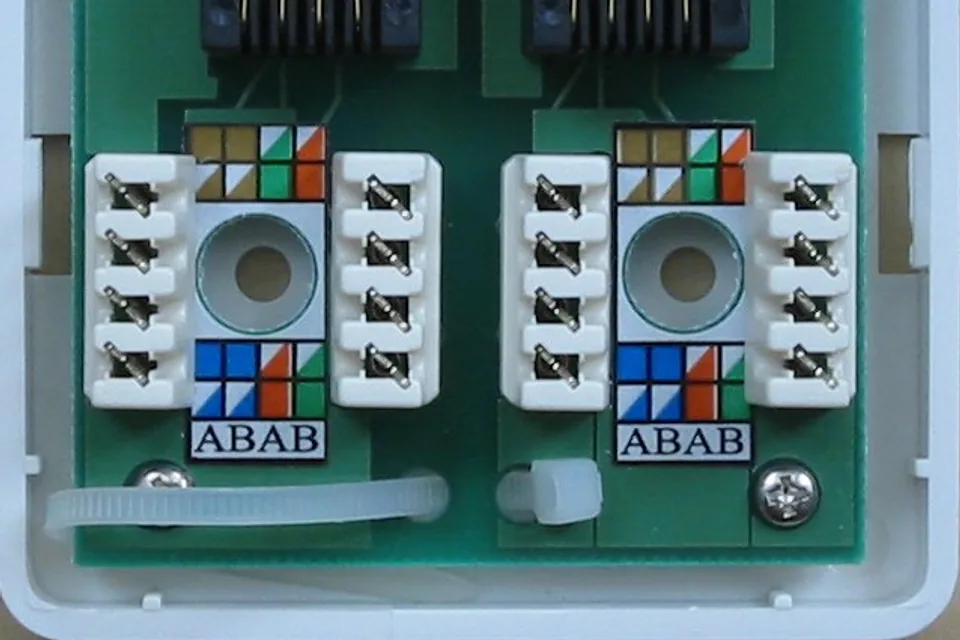
Many installed sockets terminate at a patch panel in a cupboard. They do not become connected to the router just because the room socket exists. The panel port normally needs a patch lead to a suitable switch or router LAN port. Some properties have unused or incompletely documented cabling.
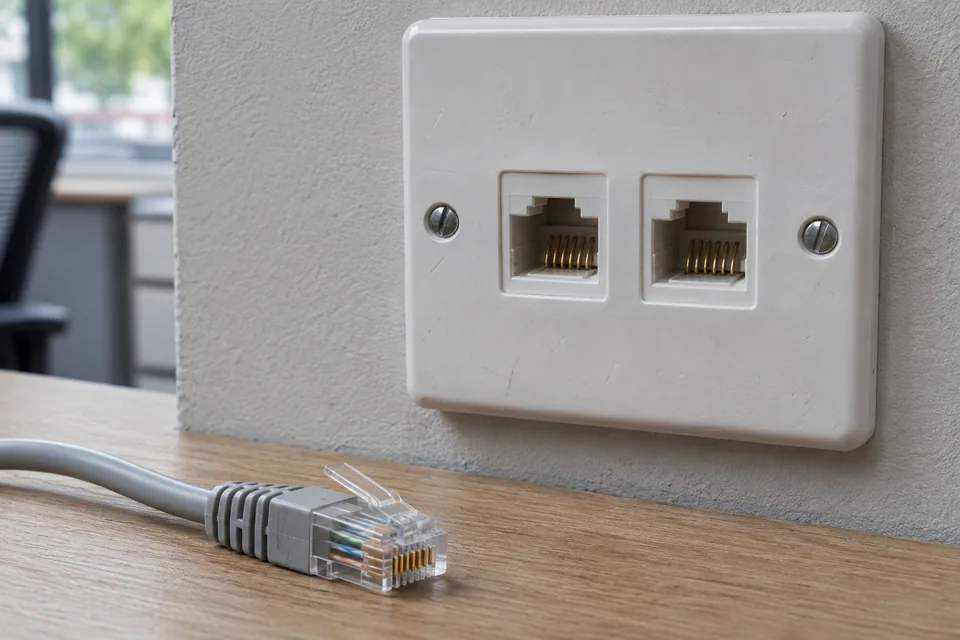
Match the room label to the panel label and inspect the patching. Treat labels as clues rather than proof. A previous change may have moved a connection without updating the writing. If the socket has two outlets, document which side you are using. Photographs of labels help an installer identify the run later.
If you cannot identify the far end, stop random patching and use a documented tracing method. Only connect a toner or tester to active Ethernet or PoE when its manual explicitly supports that mode and voltage. An ordinary telephone-style socket or unknown cable should not be assumed to be Ethernet.
3. Add the installed path one component at a time
| Check | Keep fixed | Useful observation |
|---|---|---|
| Computer to working LAN with short lead | Computer and adapter | Baseline link and task result. |
| Same LAN port through wall run | Computer, adapter and LAN port | Whether the fixed path changes the result. |
| Replace room-side patch lead | Everything else | Whether link or negotiated speed recovers. |
| Replace cupboard-side patch lead | Everything else | Whether the other short lead was the fault. |
| Use another approved switch port | Cable path and device | Whether the port or its configuration matters. |
Record the link speed if the system exposes it. “No link”, “100 Mbps link” and “gigabit link but no internet” lead to different next steps. Do not replace multiple pieces simultaneously: you may restore service but lose the evidence needed to prevent a repeat.
Avoid tugging a connector until the connection flickers. A result dependent on physical movement suggests a termination or connector needs attention, but repeatedly stressing it can worsen the damage. Keep a clear note of the location and hand it to the installer.
4. Use an offline wiremap safely and read its limits
For an ordinary continuity or wiremap test, disconnect the installed run from the switch, router, PoE source and end device at both ends. Attach the main tester and remote according to that instrument’s instructions. Check the tester on a known-good lead first, then record the complete wiremap rather than only “pass”.
A wiremap can reveal opens, shorts and incorrect connections within the instrument’s capabilities. Some testers detect split pairs and some basic sequential LED testers do not. Fluke distinguishes verification from qualification and certification: a correct basic wiremap does not establish that a link supports the intended data rate or meets a category standard.
If a link maps correctly but repeatedly negotiates below its expected rate, compare the endpoint specifications and short leads. A qualification test can assess support for a network technology; a certification report answers a standards-compliance question. Ask for the level of evidence your installation actually needs.
5. Give the installer a precise fault description
A useful handover names the room outlet, panel port, switch port, adapter, short-lead baseline and the failure seen through the wall. Include the full tester result if one was performed, plus any conditions such as movement or an intermittent symptom. This is more useful than “the internet socket is broken”.
Do not open a mains outlet, dismantle a combined electrical faceplate or work on unknown services to complete a network checklist. A competent installer can inspect and reterminate a network outlet when that is justified. Once repaired, repeat the baseline comparison and the everyday task through the original socket.
Keep the result, not just the impression
Common questions
The tester passes but I only get 100 Mbps. Is the wall cable good?
A simple pass is not enough to prove gigabit performance. Check both endpoint and port capabilities, substitute short leads, inspect the negotiated link rate and choose a qualification or certification test when needed.
Can I test a wall run while it is connected to a PoE switch?
Only with a tool and mode explicitly rated for that active connection. Disconnect both ends before using an ordinary offline wiremap or continuity tester.
Sources and scope
Related checks
- Ethernet says network cable unplugged
- Continuity passes but the link stays at 100 Mbps
- Trace a cable at a switch
- Compare the three levels of cable testing
Questions before you change anything
How do I find why an Ethernet wall socket does not work?
Map the room outlet, patch-panel endpoint, switch connection and patch leads. An outlet is not automatically connected to the router simply because it has an RJ45 faceplate.
Should I open the socket before testing anything else?
Start with a known-good device, known-good lead, active LAN port and direct comparison. Those checks can locate an external problem without disturbing the fixed termination.
All eight pins pass; could the socket still be faulty?
Yes. Check split pairs, punch-down quality, intermittent contacts and link negotiation. A basic continuity result does not certify the complete installed path’s transmission performance.
How do I find the matching cable in the cabinet?
Use documented remote identifiers, port labels, supported tracing and service planning. A toner’s active-network and PoE restrictions still apply; do not connect an unapproved mode to a powered port.
When should I replace the wall cable?
First isolate both patch cords, accessible terminations, endpoint capability and the fixed-run result. Replace the run when evidence points there; a damaged patch lead is a much smaller repair.
Community scenarios behind these checks
- Reddit: all eight conductors passed, but several runs negotiated at 100 Mbps
This is a reported installation problem, not a WireTrace test. Check endpoint capability and substitute a known-good lead before reterminating or replacing a fixed run; continuity does not certify transmission performance.
Questions and source links reviewed 21 November 2026. The answers apply the limits described in this guide; they are not a test of your equipment.

Reader questions that informed this update: Reddit: reader discussion. Individual reports help identify questions; answers above use the technical references in this guide.
Explain your own result
Replace the brackets with observations you actually made. Leave unknowns as “not checked”. This draft is written for this guide; it is not a quotation or an automatic diagnosis.
Copying stays on your device. Remove passwords, account numbers and private network details before sharing.
Reader questions that informed this update: Reddit: reader discussion. Individual reports help identify questions; answers above use the technical references in this guide.