
Open the free connection troubleshooter on mobile data and log which devices are affected. Write down the ONT and router light labels before disconnecting anything.
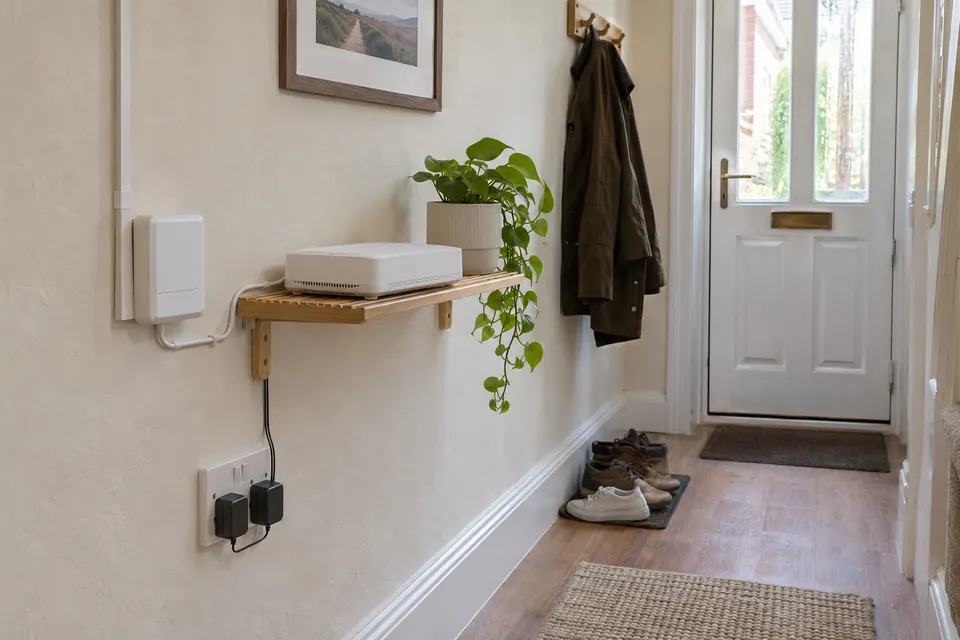
The question: The fibre box has lights, but nothing gets online. Is the fault outside, in the router or in the cable?
Identify the two boxes and the service state
The optical network terminal, or ONT, is the box where the incoming fibre service terminates. The router connects that service to your home devices. They may sit together, but their lights describe different parts of the path. Note the manufacturer and model on each box, without posting serial numbers or account identifiers publicly.
First check whether the service has ever worked and whether today is an agreed activation or migration date. A newly installed fibre terminal is not evidence that a retail service is ready. Check the provider’s service-status page using an available separate connection. Keep the activation notice and the time the failure started. If the service previously worked, record any router change, power interruption or nearby building work before the failure.
Read the correct light guide
Look up the exact terminal in your provider’s documentation. On the Openreach models covered by BT’s guide, solid-green PON indicates that the optical link is working and the terminal is recognised. Other models use an Optical light or different labels. Do not transfer a colour rule from one manufacturer’s box to another.
A light indicating an optical fault deserves a provider report, rather than a new mesh purchase. Observe the incoming cable for obvious disturbance without opening connectors, looking into fibre ends or pulling a cable to inspect it. Follow the provider’s stated restart sequence and waiting period if instructed. Repeated restarts erase useful timing evidence and cannot repair a damaged optical route. A working optical light still leaves the Ethernet handoff, router configuration and service session to check.
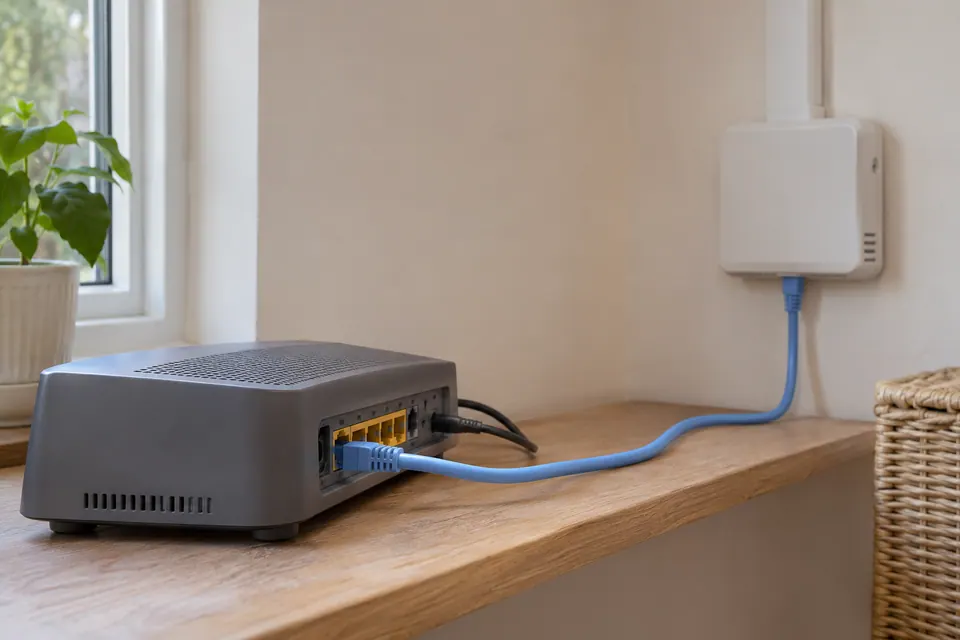
Check the ONT-to-router Ethernet handoff
Confirm the patch lead uses the provider-designated ONT port and the router’s documented WAN or internet port. On a multi-port terminal, another socket is not automatically provisioned for your service. A router socket can also have a configurable role. Use the installation record and exact router instructions before moving anything.
If accessible, reseat the ordinary Ethernet plugs and compare with a known-good short lead. Keep the original port arrangement recorded. Check the terminal’s Ethernet light and the router’s WAN status before and after the substitution. Link activity indicates a physical connection, not necessarily a successful internet session. Do not connect a passive wiremap tester to a powered link, and do not connect a laptop directly to the ONT as a universal shortcut: authentication and the expected service setup vary.
Separate a home Wi-Fi problem from a shared outage
| Observation | Useful next branch |
|---|---|
| One device fails; another browses normally | Check that device and its selected connection. |
| A router-side wired laptop works; a distant room fails | Investigate the home wireless path. |
| All devices fail; the router reports WAN/session trouble | Record the router status and ONT lights for the provider. |
| Optical fault indication persists under the model guide | Use the provider’s line-fault process. |
Use a small ordinary public page for the first comparison. There is no benefit in repeatedly running a large speed test when no request completes. When connectivity returns, test the wired laptop first, then the normal Wi-Fi location and the application you need. The browser cannot read the ONT’s optical power or your router’s negotiation settings automatically.
Send a fault record that identifies the layer
Tell the provider when service last worked, the onset time and timezone, both equipment models, the exact light labels and states, WAN/session messages and whether the short-lead comparison changed anything. Include whether every device fails. Send account details and equipment photographs through the provider’s approved private channel. This is a stronger starting point than “the Wi-Fi is broken”.
Ask which next observation they need before buying equipment. If their instruction changes a setting, retain its prior value and repeat the same small task afterwards. A router reset can remove service, voice and custom-network settings; use it only within the documented support process. Confirm restored browsing and any phone service you rely on, rather than declaring success because one light changed colour.
Keep a comparison record
Keep optical state, Ethernet link state and the user-visible result in separate fields. Fill in observations before and after a provider-approved change.
Fields: Date and timezone; ONT model; Light names and states; Router model and WAN status; Devices affected; Known-good Ethernet comparison; Exact task and error; Provider case and next check.
Download the blank CSV worksheetQuestions that change the next step
Does a green PON light prove the internet is working?
It describes the optical link on the models documented by the provider. The Ethernet handoff, router session, local devices and particular destination can still fail.
Should I buy a new router when LOS is showing a fault?
First follow the exact ONT guide and contact the provider. A router or extender cannot repair an optical access fault.
Continue with the evidence you have
- Ethernet connects but the internet does not
- Keep a broadband dropout fault log
- Prepare before replacing the router
Start with the free connection checks →
Use the devices you already have for the first comparison. If a physical cable question remains, the equipment selector explains the capability to check before a purchase.
Questions before you change anything
What should I check when full fibre has no internet?
Separate ONT power, optical status, router WAN link and provider session. The ONT and router are different boundaries; note their indicators before restarting anything.
What does a red LOS light mean?
Check the exact ONT and provider’s LOS guidance, PON indication, outage notice and support procedure. Do not look into, unplug or clean optical connectors as an improvised troubleshooting step.
The ONT looks normal; why is the router offline?
Compare Ethernet WAN cable, router port, authentication settings and WAN address. A normal optical indicator does not establish that the router has a working internet session.
Can I plug a laptop straight into the ONT?
Only with a provider-approved direct-connection procedure. Check PPPoE, VLAN requirement and device security. A failed unsupported direct test can be inconclusive and may interrupt service.
What evidence should I give the provider?
Record indicator states, failure timestamp, router error and wired-device result. Keep account identifiers in the approved private support channel. Never factory-reset provider equipment merely to collect a fresh speed result.
Questions and source links reviewed 21 November 2026. The answers apply the limits described in this guide; they are not a test of your equipment.
Sources and scope
These original steps combine the references below with a practical comparison sequence. Follow the current instructions for the exact device and service. Images are labelled AI illustrations; they are not measurements or product tests. Read our evidence policy.
Reader questions that informed this update: Reddit: reader discussion. Individual reports help identify questions; answers above use the technical references in this guide.
Details worth checking
What belongs in an ONT support report before I reset anything?
Check the provider status and activation information first. Record the ONT model, named indicators, router WAN state, fault time and time zone. Keep a normal restart separate from a factory reset: a factory reset can erase provider-specific settings and should follow the provider’s instructions. Do not open the optical connection to inspect light or power.
Explain your own result
Replace the brackets with observations you actually made. Leave unknowns as “not checked”. This draft is written for this guide; it is not a quotation or an automatic diagnosis.
Copying stays on your device. Remove passwords, account numbers and private network details before sharing.
Reader questions that informed this update: Reddit: reader discussion. Individual reports help identify questions; answers above use the technical references in this guide.