Save a baseline with the free internet speed test before unplugging the old router. Repeat it using the same device and spot once the replacement is running.
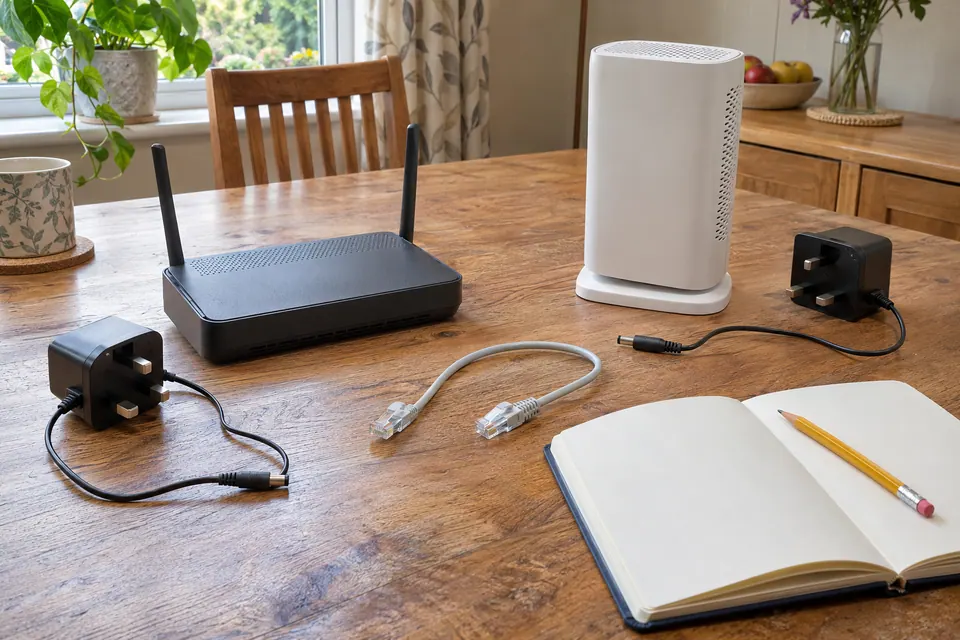
The question: I want a new router, but I do not want to break the printer, smart plugs, mesh or home phone. What should I save?
Define why the router is changing
Write the actual goal: a failing unit, a new service handoff, better room coverage, an extra wired capability or a supported security update path. Keep a baseline from a wired laptop and from the room that needs improvement. A new router can be appropriate, but a different box cannot automatically repair a provider outage or a weak link between buildings.
Confirm the new model supports the provider’s access method and required configuration. Fibre, Ethernet handoff, modem functions and authentication are not interchangeable. Ask about any provider-managed home phone, television or other bundled service before removing supplied equipment. Obtain current instructions through the provider’s official support route. Do not copy WAN settings from a forum user on a different network or contract.
Keep a private inventory and a rollback plan
Photograph the cable arrangement for your own record and label the endpoints. Note the WAN port, switches, mesh nodes, access points, printer, storage, cameras and any devices using fixed addresses or reservations. Back up the existing configuration if the current router supports it. Store that file privately because it may contain credentials or network details.
A configuration backup from one router is not automatically importable into another model. Keep a readable checklist of the capabilities that must be recreated, rather than assuming a successful import. Retain the old router, its own power adapter and its known settings until the replacement passes the required checks. Choose a change window when other household members can tolerate an interruption and keep the provider’s support details available offline.
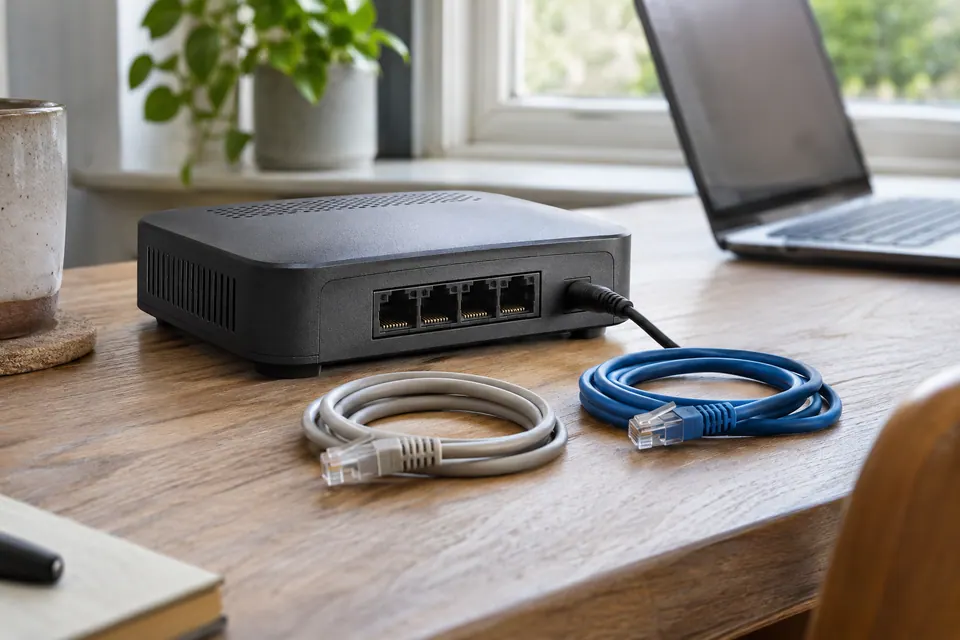
Configure a deliberate network, one role at a time
Use the manufacturer’s setup interface and supported firmware. Set an appropriate administrator password and current supported wireless security. Apple’s router guidance recommends backing up settings before changes and using the manufacturer’s documentation. Keeping an old Wi-Fi name and password can simplify reconnection, but matching the name alone does not recreate security modes, guest rules, reservations or a mesh relationship.
Decide which device routes, assigns addresses and provides NAT, and which devices act only as access points. Placing another router behind the first can introduce a second routed network and double NAT. Avoid enabling extra DHCP services without understanding the design. A simple household may need one router with supported access points; an intentional multi-network design needs its own plan. Record each change and test before adding the next device.
Verify the services the household uses
| Check after the change | What counts as useful evidence |
|---|---|
| Wired laptop at the main router | Ordinary pages and a controlled connection test work. |
| Usual desk and distant room | The actual call or work task is reliable there. |
| Printer, NAS and smart-home controls | The supported local workflow completes. |
| Guest access and private devices | The intended allowed and blocked tasks remain correct. |
| Provider phone or TV service | The provider’s documented functional checks pass. |
Confirm a mesh node’s backhaul in its own app or management view where possible. A cable in a node does not prove its upstream path uses Ethernet. Reconnect a problematic client using the device’s supported process if its remembered network details are stale. Do not repeatedly reset every smart device before checking the common network settings.
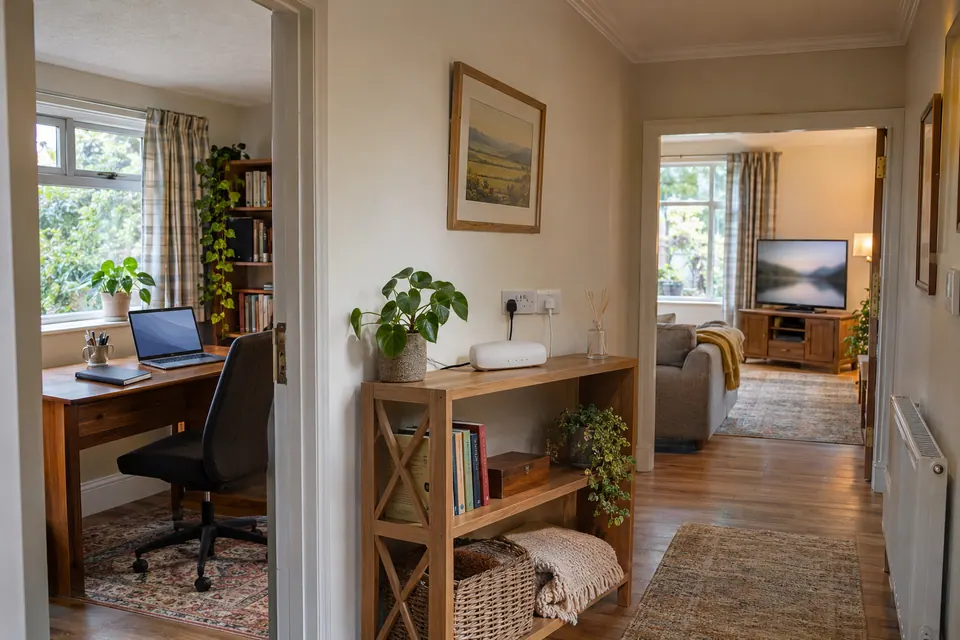
Keep the change only when the original goal is met
Compare the same device, position, task and representative time with the baseline. A faster wired burst does not establish that the upstairs call or evening stream improved. Check reconnects and the important scheduled workflow, such as a backup, at a convenient time. Keep results and firmware versions so a later update can be compared against a known working arrangement.
If the replacement fails a required service, use the documented rollback arrangement and ask the provider or manufacturer for the specific missing configuration. Reconnecting the old router is only useful if service provisioning and its saved configuration still support it; confirm that before the change. After the replacement has passed, handle any returned, sold or recycled router according to its maker’s data-removal instructions. Retain the private inventory and update it to describe the arrangement that actually works.
Keep a comparison record
Store credentials and configuration backups privately. Use this blank inventory for roles, required services and observed results without publishing passwords.
Fields: Old and new router models; Provider setup confirmed; Phone and TV requirements; WAN and wired port map; DHCP and NAT roles; Reservations and local devices; Room and real-task results; Guest policy result; Rollback plan and outcome.
Download the blank CSV worksheetQuestions that change the next step
Can I reuse my old Wi-Fi name and password?
Often, but compatibility also depends on security mode and device support. Reusing a name does not recreate reservations, guest isolation, mesh membership or provider service settings.
Will putting my old router behind the new one improve coverage?
It depends on the supported mode and wiring. Configure an access-point role only under the model instructions; an extra routed network can change discovery, addressing and connectivity.
Continue with the evidence you have
- Check the fibre terminal and router separately
- Confirm mesh Ethernet backhaul
- Verify the guest-network boundary
Start with the free connection checks →
Use the devices you already have for the first comparison. If a physical cable question remains, the equipment selector explains the capability to check before a purchase.
Questions before you change anything
What should I record before replacing my router?
Save the necessary ISP connection method, LAN addressing, Wi-Fi configuration and special services. Keep passwords and configuration backups private; do not paste them into a public troubleshooting chat.
Can any router replace the provider’s box?
Check access technology, PPPoE requirements, VLAN settings and provider support. Voice, television or authentication services may depend on the supplied equipment. Confirm compatibility before disconnecting working service.
Should I reuse the old Wi-Fi name and password?
It may simplify reconnection, but check security mode, IoT compatibility, guest settings and device access rules. Reusing a label does not preserve every behaviour of the previous network.
Why are my printer and NAS missing after the swap?
Compare DHCP reservations, subnet change, static addresses and discovery isolation. Restore documented settings selectively; blindly importing an incompatible backup can create new faults.
How do I know the replacement actually improved the network?
Repeat the original failing task, same-room comparison, loaded-latency test and recovery after restart. Keep the old setup recoverable until the required services have been checked.
Questions and source links reviewed 21 November 2026. The answers apply the limits described in this guide; they are not a test of your equipment.
Sources and scope
These original steps combine the references below with a practical comparison sequence. Follow the current instructions for the exact device and service. Images are labelled AI illustrations; they are not measurements or product tests. Read our evidence policy.
Reader questions that informed this update: Reddit: reader discussion · Reddit: reader discussion. Individual reports help identify questions; answers above use the technical references in this guide.
Details worth checking
Can I reuse the old SSID when adding a new mesh kit?
Reusing an SSID and password may let compatible devices rejoin, but it does not preserve every reservation, guest policy or local permission. Record those separately. If the existing router remains the gateway, check whether the new kit requires access-point mode; use the vendor’s supported arrangement and keep the old router available for rollback.
Explain your own result
Replace the brackets with observations you actually made. Leave unknowns as “not checked”. This draft is written for this guide; it is not a quotation or an automatic diagnosis.
Replacing [old router] with [new router/mesh] on [ISP/service]. Required WAN and voice/IPTV setup [known details], reservations/devices [redacted list], intended routing role [role]. Build a cutover, task-verification and rollback checklist without exposing Wi-Fi credentials.
Copying stays on your device. Remove passwords, account numbers and private network details before sharing.
Reader questions that informed this update: Reddit: reader discussion · Reddit: reader discussion. Individual reports help identify questions; answers above use the technical references in this guide.