
Use the free connection troubleshooter to record whether discovery works on the main network and fails only on the guest network, while web access still works on both.

The question: Visitors can browse, but they cannot print or cast to the TV. Is the guest network broken?
Start with the access you actually want
A guest network can be designed to offer internet access while separating visitors from household computers, storage and printers. A missing printer may therefore be the expected result. Write down the intended rule: internet only, access to one shared device, or a fully trusted participant. For a small business, the owner or network administrator should make that decision.
A different Wi-Fi name is not by itself proof of separation. Consumer routers implement guest access differently, and behaviour can change between router mode and access-point mode. Mesh and additional access points may also have their own guest implementation. Check the exact model, firmware and operating mode. Keep the guest network encrypted with an appropriate password; an open network is not required to make visitors’ devices compatible.
Distinguish local access from guest-to-guest access
Look for model-specific settings describing access to the local or main network and whether guests can see each other. Those are separate questions. Preventing two guest devices from communicating does not necessarily describe access to a printer on the main network. Conversely, allowing guest-to-guest traffic does not necessarily expose main-network devices.
Use the manufacturer’s current manual rather than copying a switch position from a screenshot of another product. Some products offer a specific shared-device feature; others provide a broad local-access switch. Understand that scope before enabling it. Do not disable the firewall or all isolation as a blanket printing fix. Record the original settings so a deliberate trial can be reversed without guessing.
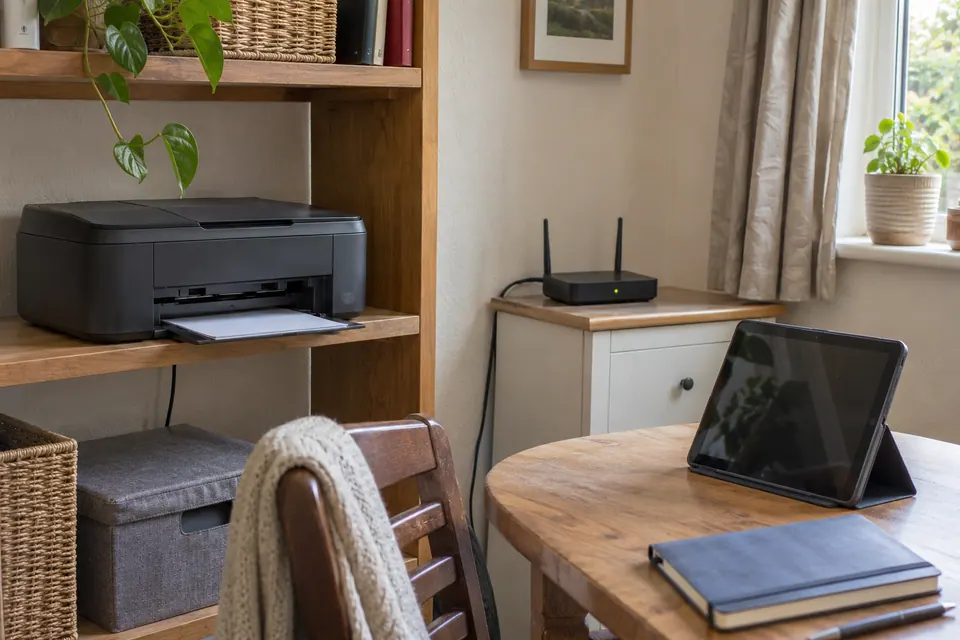
Make a small authorised comparison
Use a device you own or have permission to test. From the intended trusted network, confirm that the printer or other shared service works first. Then use the same client on the guest network and repeat the same small task. For a printer with a documented management page, its known current address can be an additional check. Do not scan other people’s devices or guess credentials.
Record whether ordinary internet browsing succeeds, whether the local service is reachable and whether the app discovers it. Discovery and usable communication are different stages. A device can fail to appear automatically even when a supported direct connection works. A listed device can also fail when a later connection is blocked. Keep each observation separate instead of declaring the entire Wi-Fi connection faulty.
Treat printing and casting as specific workflows
| Result | Next useful question |
|---|---|
| Main network works; guest does not | Is this the documented guest-access policy? |
| Both networks fail | Does the shared device work locally and have a current connection? |
| Direct supported connection works; discovery does not | Does the application require local discovery across this boundary? |
| Guests can reach devices that should be private | Review the router mode and isolation design before inviting more clients. |
Casting, screen sharing and printer discovery can depend on local discovery traffic as well as later connections. Their requirements vary by device and application. A business network may need an administrator-designed sharing policy. On a home router, a simpler supported option can be to keep visitor internet separate and use the owner’s authorised device for an occasional print or presentation.
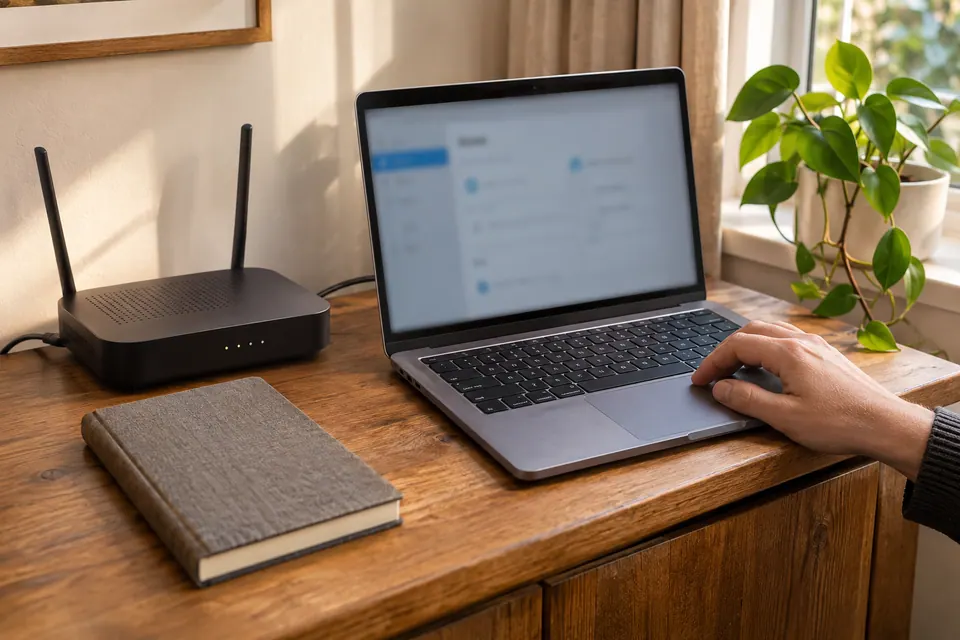
Verify the rule after any change
Reconnect the test client when the model requires it and repeat the allowed task. Also repeat the private-device check that should remain unavailable, using only an agreed device and service. A successful print alone does not prove the guest network still provides the boundary you intended. Record the router mode, access point and firmware with the result.
Use temporary visitor credentials or the router’s supported guest schedule when that meets the household’s needs. Keep administrator access private. If the equipment cannot express the required sharing rule, consider a different workflow before buying more access points. Additional coverage does not create finer access control. Recheck after a firmware update, a move into access-point mode or a router replacement, because those changes can alter how a guest network is delivered.
Keep a comparison record
Write the intended access rule before testing. Use only devices and local services you are authorised to check.
Fields: Router model and firmware; Router or access-point mode; Main and guest network roles; Local-access setting; Guest-to-guest setting; Allowed task result; Private-service check; Original setting and rollback.
Download the blank CSV worksheetQuestions that change the next step
Is a second Wi-Fi name enough to protect my NAS?
No. Separation depends on the router or access-point implementation and policy. Check the model documentation and verify with an authorised local-service comparison.
Should I put every smart device on guest Wi-Fi?
Only when its documented setup and control workflow works with that boundary. Some devices need local access from a controller; others use a cloud service. Plan and test the intended access.
Continue with the evidence you have
- Printer offline with working internet
- Smart-home devices that will not join Wi-Fi
- Check a local NAS transfer path
Start with the free connection checks →
Use the devices you already have for the first comparison. If a physical cable question remains, the equipment selector explains the capability to check before a purchase.
Questions before you change anything
Why can guests browse but not print or cast?
That can be the intended result of guest isolation, separate VLANs, local-access blocking and multicast filtering. Working internet on both devices does not establish a permitted local path.
Should I disable guest isolation to make casting work?
First decide the required trust boundary. Check supported device-sharing options, access rules and vendor guidance. Avoid giving every guest broad access to private computers just to expose one TV.
Why can two devices on the same Wi-Fi name still not see each other?
They may use different access points, network segments, client-isolation policies or discovery paths. An SSID is a label, not a complete topology description.
Can I expose only the printer to guests?
Use a documented printer-sharing design, specific permitted service, admin-approved policy and supported router feature. Do not guess firewall exceptions or broadly open inbound access.
Would a mesh system fix guest-device discovery?
Not necessarily. Check guest-network behaviour, wired-node handling, multicast support and client compatibility. A replacement system may intentionally enforce the same boundary.
Questions and source links reviewed 21 November 2026. The answers apply the limits described in this guide; they are not a test of your equipment.
Sources and scope
These original steps combine the references below with a practical comparison sequence. Follow the current instructions for the exact device and service. Images are labelled AI illustrations; they are not measurements or product tests. Read our evidence policy.
Reader questions that informed this update: Reddit: reader discussion. Individual reports help identify questions; answers above use the technical references in this guide.
Details worth checking
Could security compatibility or a phone permission hide the receiver?
Check whether the printer or receiver supports the chosen WPA2/WPA3 configuration. Then check the app’s local-network phone permission. Those are separate from guest isolation: correcting a permission cannot make a router allow traffic that its guest policy intentionally blocks. Ask the owner for a supported access rule or trusted-network route.
Explain your own result
Replace the brackets with observations you actually made. Leave unknowns as “not checked”. This draft is written for this guide; it is not a quotation or an automatic diagnosis.
Copying stays on your device. Remove passwords, account numbers and private network details before sharing.
Reader questions that informed this update: Reddit: reader discussion. Individual reports help identify questions; answers above use the technical references in this guide.