Run the free internet speed test beside the router and again upstairs on the same device. Keep the two room labels with your readings.


The downstairs sofa is fine; the upstairs office is a Wi-Fi dead zone. Buying a faster broadband package leaves the walls and floors in exactly the same place. First find where the connection becomes unreliable.
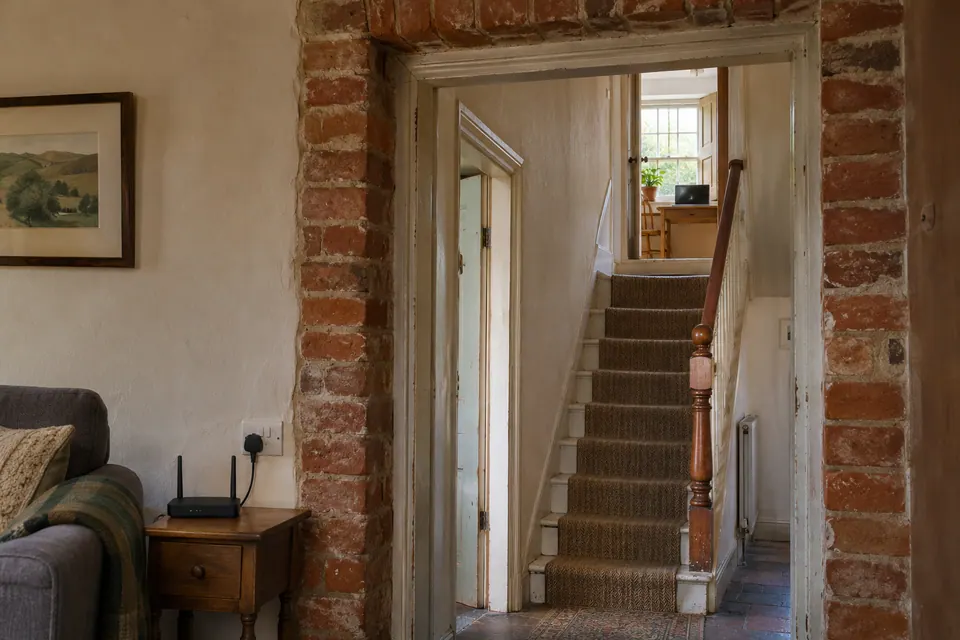
A January 2026 AskUK question describes a three-bedroom brick terrace, a front-room router and an attic workroom. The useful detail is that layout. It tells you more about the job than “three-bed house” on a mesh box. The post is an individual account, not a product test.
Walk the route with one device
Use the device that struggles during work. Leave doors in their usual positions, pause your own large downloads and keep the test task the same. For WFH, try the call or work page that normally fails, not just a different video on your phone.
| Position | What to do | What to write down |
|---|---|---|
| Beside the main router | Open the work page or make a short test call. | Does the actual task work? Note any speed readings separately. |
| Landing or another intermediate point | Repeat on the same device. | Where does the behaviour first change? |
| Upstairs desk | Repeat in the normal seat, with the usual dock if relevant. | Dropout, slow loading, broken audio or usable? |
| Back beside the router | Repeat the starting test. | Has the whole connection changed while you moved? |
If every position is poor, start with the shared connection checks. If one device fails upstairs and another works in the same position, check both devices before buying coverage equipment.
Move a node out of the dead zone
A wireless satellite has two jobs: reach your laptop and reach the network upstream. Putting it beside a laptop that cannot reach the router may leave both stuck on the same weak link.
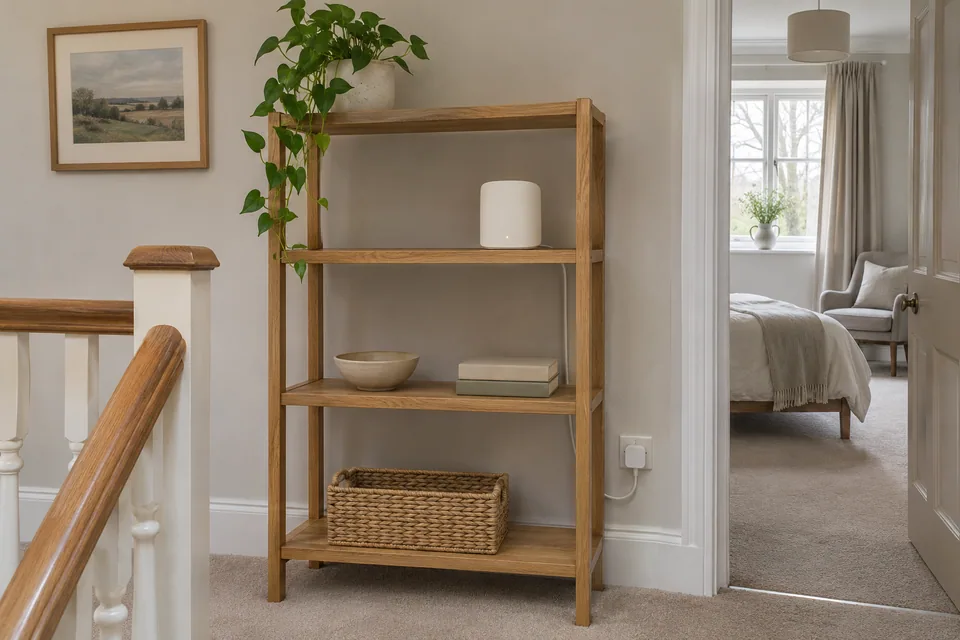
Try an intermediate position with power, ventilation and a usable upstream connection. Run the mesh system's own connection check, then test at the desk again. Google's placement guidance follows this principle for its systems. Exact spacing and node count depend on the model and building.
Also try moving the main router out of a cupboard or away from a large metal obstruction, within the limits of its existing cables. Keep the original position marked. If the move helps upstairs but breaks the kitchen connection, the coverage job is unfinished.
Full bars can hide a bad upstream link
Signal bars may describe the connection to a nearby node. They say little about that node's link back to the main router. That is why a phone can show full bars while the meeting still drops.
Another possibility is a sticky client: a device remains associated with a distant access point when a nearer one is available. Check the connected node in the router or mesh app if it exposes that information. After moving rooms, disconnect and reconnect Wi-Fi once and repeat the test. The device helps decide roaming; using one network name does not force every client to switch at the ideal moment.
Pick a fix for the upstairs job
- One fixed work desk: compare a temporary, safely routed Ethernet connection to the main router. If it repeatedly helps, price a suitable permanent route and any adapter.
- Several upstairs wireless devices: a wired access point may fit if a cable route exists. Check power or compatible PoE as well as placement.
- No usable cable route: trial a supported mesh or Wi-Fi booster arrangement with the node in a workable intermediate spot.
- Trying powerline: test the intended wall sockets during normal appliance use. Its advertised rate does not predict the result in your house.
Plugging a laptop into a mesh satellite does not necessarily make it hardwired all the way back. Check whether the satellite uses wireless backhaul or Ethernet backhaul. The equipment comparison explains that buying decision.
For existing wall sockets, identify both ends before disconnecting equipment: start with the cable tracing guide and cabling overview. A socket that links at 100 Mbps needs the separate 100 Mbps checks.
When to pay for a survey
A few room comparisons often tell you enough for a small home. Pay for more measurement when you need to choose access-point positions across several rooms, explain intermittent not spots, or plan an installation you cannot easily move.
NetSpot offers radio inspection and survey features on supported platforms. Signl maps measured throughput and latency around rooms. Those are different observations. Ask what the report measures and which device made the measurements.
The WireTrace browser test can accompany your room notes, but it does not measure signal strength or create a radio heatmap. Do not turn its speed number into a made-up signal map.
Check the evening, not just installation afternoon
If the complaint is Wi-Fi roulette at the upstairs desk, repeat the work task at the time it usually fails. Check another room too. Keep the same device, desk and normal workload for the before-and-after comparison.
For an installer, send a rough floorplan with the router, proposed node positions and desk marked; add the three-position results and any feasible cable route. No password or full home address is needed in a public post. A speed reading can support that sketch, but it should not replace the task result.
Keep your comparison record
Record restored, still failing or unable to test, then repeat the original task.
Download a blank record ↓Choose another symptom →Upstairs Wi-Fi: practical questions
Will faster broadband fix weak Wi-Fi upstairs?
Not if the bottleneck is the wireless path through the house. First check whether the task works beside the router or over a suitable wired connection.
How do I test a Wi-Fi dead zone?
Use one device and one task at three positions: router, intermediate point and problem desk. Return to the router afterwards so a wider connection change does not get mistaken for a room problem.
Can thick brick walls explain the difference?
They can attenuate radio signals, along with floors, furniture and other obstructions. The placement comparison tells you whether an alternative route works in this particular building.
Where should a mesh node go?
Where it has a usable upstream connection and can serve the next area. Try a position before the dead zone, run the system's own link check and then test the room.
Why is a node in the dead zone not helping?
It may have a good short link to the laptop but a poor link back to the router. Move it towards the working part of the house and repeat the upstairs task.
Do I need two mesh nodes or three?
Count usable links, not bedrooms. Try the first workable placement and check the target rooms. Another poorly connected node can add cost without fixing the route.
Why do I have full bars but bad calls upstairs?
The bars may describe only the connection to the nearest node. Check that node's backhaul and repeat a real call; the upstream link may be the weak part.
What is a sticky client?
It is a device that stays on a distant access point instead of moving to a nearer one. Check its connected node if visible, reconnect once after moving and compare the result.
Will one Wi-Fi name force better roaming?
No. One name can simplify access, but the client and system still influence roaming. Check what the device actually connects to rather than judging by the network name alone.
Is a Wi-Fi booster the same as mesh?
The term booster is loose marketing language. Check whether the product is an extender, mesh node or access point, how it connects upstream and which exact systems it supports.
Does Ethernet into a satellite make it hardwired?
Only the device-to-satellite link is necessarily wired. The satellite can still use wireless backhaul to the router. Check the topology in the system's app or manual.
When is Ethernet backhaul useful?
It replaces the supported node-to-router radio link with cable. That can suit several upstairs devices where a suitable run, ports and operating mode are available.
Is wireless backhaul always bad?
No. It can work well with suitable placement and conditions. Test the intended work task through that actual path rather than assuming either success or failure.
Should I use a wired access point upstairs?
Consider one when several wireless devices need service and a cable route exists. Include the access point's power requirements, placement and port speed in the plan.
What is the simplest WFH desk option?
A suitable Ethernet connection can be straightforward for a fixed laptop or dock. Compare it temporarily before paying for a permanent run or a new mesh kit.
Can I reuse existing wall Ethernet sockets?
Yes, after identifying where they lead and checking the relevant link. A telephone socket or disconnected data outlet is not automatically a working network connection.
Why does my upstairs socket only link at 100 Mbps?
Check whether both ports support gigabit and compare a known-good patch lead. If the wall run remains limited, use the existing 100 Mbps guide to investigate wiring and negotiation.
Will powerline definitely beat Wi-Fi?
No. The intended sockets, electrical path and appliance noise matter. Use a returnable trial where available and test during the hours you normally work.
Should I split 2.4 GHz and 5 GHz names?
Only for a specific compatibility or diagnostic need supported by the system. First check placement and the connected node; splitting names is not a general coverage repair.
Why does one laptop fail upstairs while a phone works?
Client capability, antenna position, drivers and node selection can differ. Put both in the same spot, disable cellular fallback on the phone and compare the same service.
Why does Wi-Fi roulette get worse in the evening?
Shared traffic and the radio environment can change with time. Repeat the room test then, noting your own uploads and which node the device uses if that is visible.
Are upstairs not spots worth a paid survey?
A survey is useful when simple placement trials do not settle access-point locations or several rooms need a permanent design. Ask whether it measures radio signal, throughput or a prediction.
Can WireTrace make a Wi-Fi heatmap?
No. Its browser readings concern HTTP transfers and latency. Use a supported survey tool for radio measurements and label the tool and device on the resulting map.
What about a garden office?
Treat it as a separate route and environment. Distance, walls, weather exposure, power and a suitable cable or wireless design need checking before buying an indoor node.
How do I confirm the upstairs fix helped?
Repeat the original desk task and check another room under the usual workload, especially at the time of previous failures. Compare interruptions and usability, not just bars or a new network name.
Questions before you change anything
Why does Wi-Fi work downstairs but not upstairs?
Compare the same device near the router and at the upstairs desk. Record room location, Wi-Fi band, signal condition and the actual task. Floor materials and the route between devices matter more than a floor-plan distance alone.
Where should I put an extender or mesh node?
It needs a usable backhaul signal, not just proximity to the dead room. Try a midpoint location, check power availability and compare upstream performance before fixing it in place.
Will a faster broadband plan improve an upstairs dead spot?
Not if the local wireless link is the bottleneck. Compare near-router speed, upstairs performance and wired baseline. Extra provider capacity cannot make a weak indoor radio hop reliable.
Would an Ethernet access point be better than mesh?
A suitable wired access point removes the wireless backhaul hop. Check cable route, PoE requirement and router compatibility. Mesh may be practical where cabling is unavailable, but needs testing in the actual rooms.
How do I verify that the coverage change worked?
Repeat video calls, web browsing, roaming between rooms and the original busy-hour test. Stronger bars alone do not establish that packet delivery or latency improved.
Questions and source links reviewed 21 November 2026. The answers apply the limits described in this guide; they are not a test of your equipment.
Sources and scope
- Google Home and Nest Help: Where to place your Wifi devices
- NetSpot official description of Wi-Fi analysis and survey features
- Cloudflare Speedtest engine documentation; interpret alongside WireTrace method
- AskUK terraced-house mesh question, posted 6 January 2026
- Extender compatibility and returns thread, posted 25 January 2025
- Signl — room-by-room throughput and latency mapping
Photographs illustrate the context. Credits and the licence for each image appear in its caption. Our evidence policy · Commercial disclosure
Reader questions that informed this update: Reddit: reader discussion. Individual reports help identify questions; answers above use the technical references in this guide.
Details worth checking
Where should I measure after moving an upstairs mesh node?
Run the same speed test and the failing task from the normal desk or bedroom, then repeat on the landing. Keep the same device and test service. A quick result beside the moved node can hide the weak route back to the main router; the useful outcome is a stable task where you actually use it.
Explain your own result
Replace the brackets with observations you actually made. Leave unknowns as “not checked”. This draft is written for this guide; it is not a quotation or an automatic diagnosis.
In my [house type], [task] fails in [upstairs room]. The same laptop gets [result] beside the main router and [result] at the desk. The node/backhaul is [known/unknown]. I can use [temporary cable/placement changes] but cannot [constraint]. Help me choose a trial before buying equipment.
Copying stays on your device. Remove passwords, account numbers and private network details before sharing.
Reader questions that informed this update: Reddit: reader discussion. Individual reports help identify questions; answers above use the technical references in this guide.
If a physical cable question remains
Use the free capability selector to distinguish tracing, wiremap, qualification and loaded PoE tests. The equipment guide keeps model comparisons together.
Commercial links are identified on the equipment pages. A purchase does not establish the cause of this fault.