
Use the free internet speed test on the same laptop with the direct-router connection and then over powerline. Record the outlet used for each powerline run.
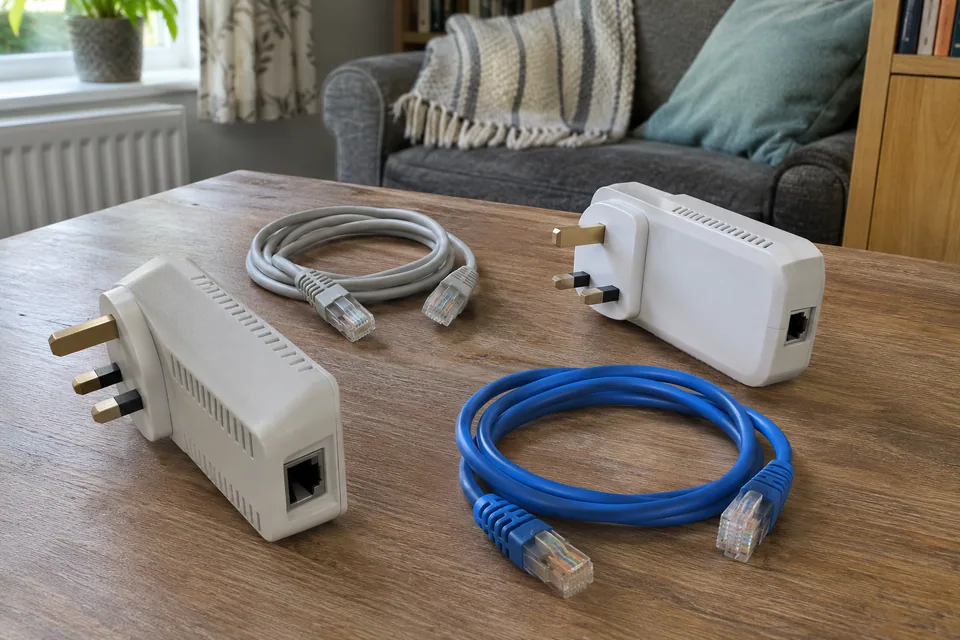
The question: My powerline kit says 1200, but the room gets a fraction of that and sometimes disconnects. Is the kit faulty?
Establish what is slow or disconnected
Record the adapter models, firmware if available, which unit connects to the router and the actual failing task. Does the computer report its Ethernet cable disconnected, does the powerline link indicator change, or does only an application stop? These describe different segments. A client may retain an Ethernet link to the local adapter while the electrical backhaul fails.
The advertised powerline number describes a technology or physical-link capability under stated conditions. It is not a guaranteed file-transfer rate or internet speed to one laptop. Check the Ethernet-port capability of the exact model too. A healthy powerline connection feeding a 100 Mb/s port cannot deliver a gigabit application transfer through that port.
Prove the router-side baseline
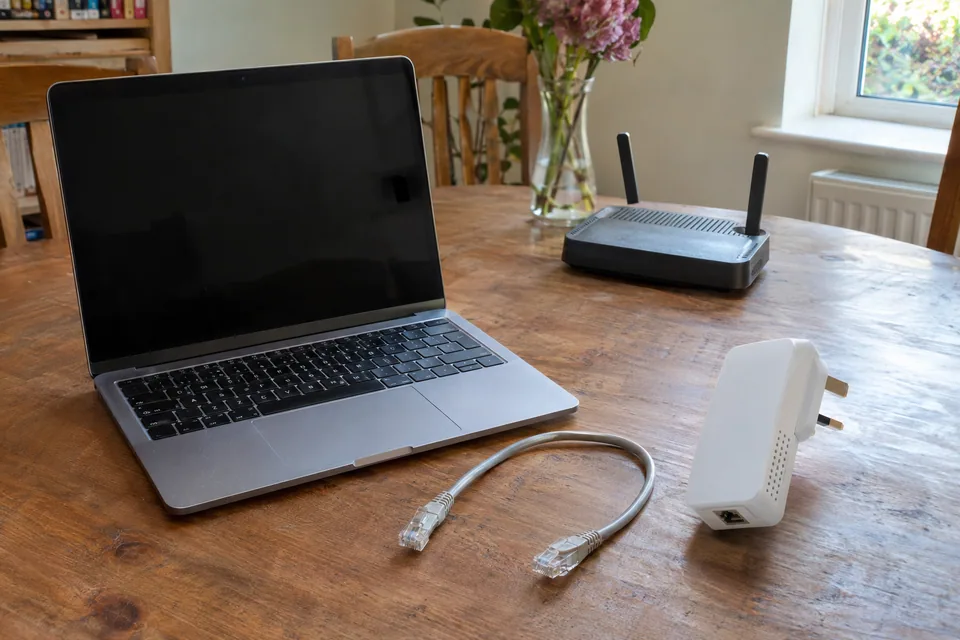
Connect the same computer to the intended router with a known-good short Ethernet lead where practical. Repeat the actual task and keep the result. If it fails there too, investigate the common device, service or access connection before treating the powerline kit as the cause.
Check both patch leads with a permitted substitution and note the negotiated link where the operating system or router exposes it. A continuity tester can help with basic disconnected-cable faults, but it does not certify throughput or the electrical powerline path. Do not use a network cable tester on mains wiring or the plug pins of an adapter.
Make a controlled outlet comparison
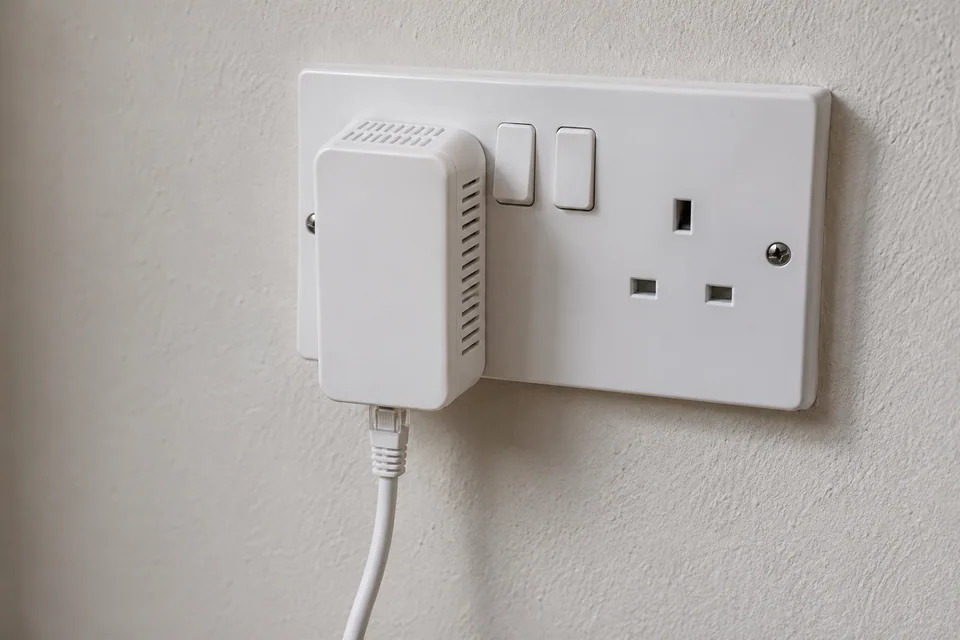
Follow the kit’s instructions for pairing, supported outlets and use. A direct wall outlet is commonly recommended because filters in some extension blocks or surge protectors can affect the signal. Keep ventilation clear and use normal safe access. Do not open adapters, sockets or electrical distribution equipment to improve a network test.
Record the original outlet pair, then try a suitable alternative using the same adapters and leads. A nearby-outlet comparison can help establish that the pair communicates, but it does not predict the final route through the property. Circuit layout and connected equipment vary. If an outlet or electrical installation appears damaged or unsafe, stop using it and obtain qualified electrical help rather than continuing a performance trial.
Correlate appliance changes without overclaiming
TP-Link’s guidance notes that some appliances can affect powerline performance. Compare the adapter’s link information and the real task at the time of the recurring problem. If you can safely pause your own nonessential appliance in normal use, record the before/after result; do not disconnect medical, safety or other essential equipment for a network experiment.
One correlation is a hypothesis, not a diagnosis of an electrical fault. Repeat the comparison and include the final outlet pair. A powerline utility’s reported link rate, a client’s Ethernet link rate and an internet test measure different parts of the path. Keep each method labelled so that an apparent improvement is not simply a change of test.
Select a practical permanent path
| Observation | Next decision |
|---|---|
| Direct router task also fails | Investigate the common device or service first. |
| Patch-lead substitution restores link | Replace the implicated lead and repeat the original setup. |
| Nearby outlets work; final route is inconsistent | Trial another approved route or access technology. |
| Failure repeatedly follows ordinary appliance use | Compare final-outlet alternatives and discuss model guidance with support. |
A properly installed Ethernet route is often more predictable, while mesh needs a healthy wireless or wired upstream path. Choose from the property constraints and actual trial. Buying a powerline kit with a larger box number does not prove the electrical route will improve. Verify the final task through a normal busy cycle and retain a return or rollback plan.
Keep a comparison record
Keep one row for each outlet pair and task interval. Note which indicator or link actually changed; “internet dropped” alone cannot identify whether the client lead, powerline backhaul or broadband path failed.
Worksheet fields: Adapter models; Outlet pair; Patch leads; Client link state; Adapter link information; Direct router result; Actual task result; Ordinary appliance changes; Time and retest.
Accept the result when: The intended room task stays reliable on the final outlet pair during normal use, not only during a nearby pairing test.
Download the blank CSV worksheetQuestions that change the next step
Should both adapters be on the same extension block for testing?
Use the manufacturer’s supported method. A short local comparison can establish communication, but a filtered block can itself affect the result and does not represent the final route.
Will a faster broadband package fix a poor powerline link?
Only a limit on the access connection is addressed by that package. A local electrical-path bottleneck remains until that segment is improved or replaced.
Continue with the evidence you have
Compare cable tools only if an installed-link question remains →
Questions before you change anything
Why are my powerline adapters much slower than their rating?
The label is a physical-layer claim, not a promised file-copy rate. Compare outlet location, electrical path, appliance noise and adapter compatibility. Test the sockets you will actually use.
Should I plug powerline into an extension lead?
Follow the maker’s wall-socket guidance. Surge protection, filtering and shared loads can affect the link. Do not modify mains wiring or bypass electrical safety devices for a networking test.
Why does powerline drop when an appliance starts?
Record the appliance event, link indicator, failure duration and recovery behaviour. Compare another permitted outlet with the same adapters; timing correlation supports a test, not an electrical diagnosis of the appliance.
How do I tell powerline failure from Wi-Fi failure?
Use a wired endpoint at the remote adapter and compare local link rate, gateway reachability and internet task. A combined powerline/Wi-Fi unit contains more than one hop.
Should I replace powerline with mesh or Ethernet?
Compare safe cable route, wireless backhaul, required reliability and trial results. Buy according to the demonstrated weak hop, and keep the same task for the before-and-after check.
Questions and source links reviewed 21 November 2026. The answers apply the limits described in this guide; they are not a test of your equipment.
Sources and scope
The references support the measurement principles and device-specific checks. This guide organises them into a practical comparison sequence. Calculations are examples; the AI-generated scene illustrations are not test captures. Use the exact device documentation and the site methodology.
Reader questions that informed this update: Reddit: reader discussion. Individual reports help identify questions; answers above use the technical references in this guide.
Details worth checking
Why is the powerline headline rate high while Wi-Fi from its adapter is slow?
The headline rate describes the powerline technology under its stated conditions, not guaranteed application throughput. A Wi-Fi-equipped adapter adds another radio path and Ethernet-port limit. Record each dropout time and compare a wired client at the remote adapter; then test the same task over its Wi-Fi. Keep the powerline and radio observations separate.
Explain your own result
Replace the brackets with observations you actually made. Leave unknowns as “not checked”. This draft is written for this guide; it is not a quotation or an automatic diagnosis.
Copying stays on your device. Remove passwords, account numbers and private network details before sharing.
Reader questions that informed this update: Reddit: reader discussion. Individual reports help identify questions; answers above use the technical references in this guide.