
Use the free internet speed test in the garden office and near the house router. Save the room and connection type with each reading before comparing options.
The question: I need reliable video calls in a garden office. Should I buy mesh, run Ethernet or use fibre?
Separate the three parts of the connection
Your service enters the house, a link carries it to the garden office, and a local connection serves the laptop. A strong Wi-Fi icon inside the office may describe only the nearby node. That node can still have a weak connection back to the house. Start with the same laptop near the house router and confirm the actual work task behaves well there.
Record the approximate route length, obstructions, available power, building entry points and whether installation needs permission. Look at the route the cable would really take, including rises, bends and indoor patching. The straight-line garden distance is not the complete installed length. Avoid choosing an advertised wireless coverage area as a substitute for this survey.

Consider a properly designed wired route
A wired link can give a predictable path, but the cable type and installation matter. Conventional balanced-copper Ethernet channels have standard length limits for the chosen application; a typical 100 m channel includes the permanent link and patch leads. Confirm the full standard, cable and equipment requirements rather than treating any long cable as suitable.
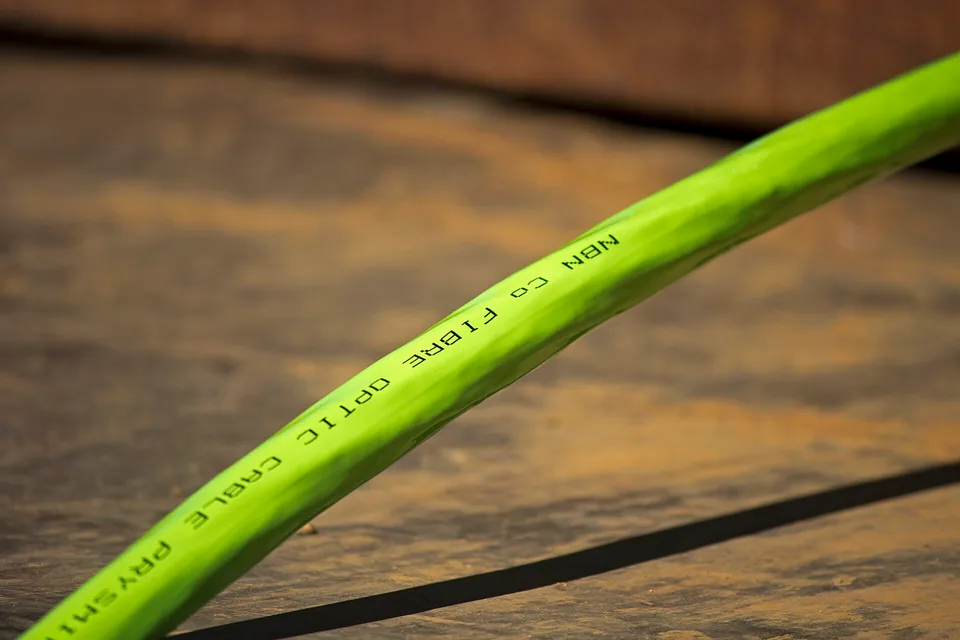
Between buildings, outdoor exposure, water ingress, surge protection, earthing arrangements and separation from electrical services need an installation design. Fibre provides an electrically non-conductive data path, but requires compatible optics or media devices, suitable cable protection, power at both ends and correct handling. Ask a competent installer to assess the route. Do not improvise underground or overhead wiring based on an indoor patch-lead example.
Use wireless equipment for the building link it is designed to make
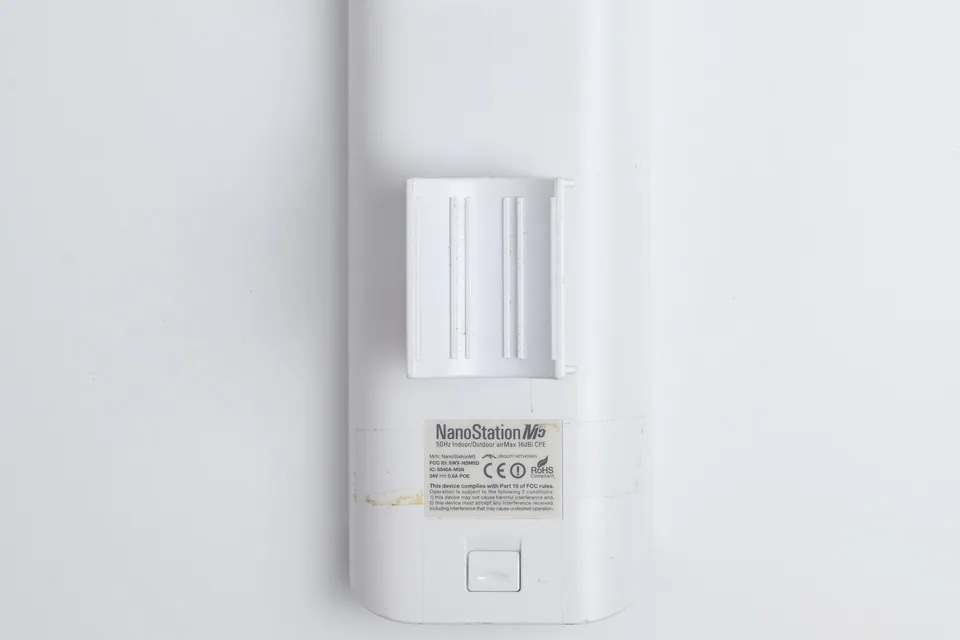
A pair of outdoor bridge devices can be useful when a wired route is impractical. Check mounting, line of sight, the clear radio path, weather rating, power, alignment and local radio requirements. Trees, changing foliage, coated glass and building materials can change results. “I can see the office” is helpful but does not guarantee a reliable link.
Indoor mesh may work across a short favourable gap, but its backhaul must be measured in place. A node placed in an existing dead zone cannot create a healthy upstream signal. Powerline also depends on the real electrical path and cannot be guaranteed from the distance between rooms or buildings. Use a returnable trial or a survey before committing to a solution whose path is uncertain.

Test the office and the backhaul separately
| Comparison | Reason |
|---|---|
| Laptop at house router | Establish the service and device baseline. |
| Wired to the office link endpoint | Test the building link without the office's Wi-Fi hop. |
| Wi-Fi at the office desk | Assess the final local hop and normal position. |
| Real call while other normal tasks run | Check the experience the installation must support. |
Repeat at representative times and keep the connection type in every result. If only office Wi-Fi is poor while the wired endpoint works, focus on the local access point. If the endpoint itself is unstable, moving the laptop around the office will not repair the building link.
Buy the missing capability after the comparison
A new indoor router is not automatically the answer to an outdoor backhaul problem. A simple continuity tester can reveal some wiring faults on a disconnected copper run, but cannot certify a long installed link or prove a wireless bridge's capacity. Choose testing or professional installation according to the evidence required.
After installation, label both endpoints and retain the route, equipment models and baseline results. Test calls, uploads and reconnects from the intended desk. Also verify the endpoint's wired link rate in its own management view where supported. WireTrace's browser test cannot read that negotiation value or measure the radio path directly; it helps compare the performance of each arrangement you select.
Keep a comparison record
Begin with the result inside the house and the task that fails in the outbuilding. Sketch a possible cable route and note building entry, outdoor exposure and power availability before comparing equipment prices. Measure distance along the intended installed route rather than using a straight line across the lawn. Record whether a bridge would have clear line of sight and where its house-side connection would come from. Keep electrical separation, surge protection and building work as questions for a competent installer. A temporary indoor lead or borrowed bridge can establish feasibility only within its permitted use; it is not an outdoor installation design. Validate calls, file access and the intended busy-hour workload after installation, then retain the route and equipment record for future faults.
Fields in the worksheet: Required work task; Existing house connection result; Distance and route; Power available; Clear line of sight; Building entry permission; Electrical separation review; Temporary trial; Installed result; Cost and next step.
Download the blank CSV worksheetQuestions that change the next step
Will adding another mesh node always help?
No. Each node needs a good upstream path. An extra wireless hop can add contention and latency; test the backhaul before adding nodes.
Can I bury an ordinary patch cable?
Do not assume an indoor cable is suitable. Cable protection, exposure, entry points and electrical requirements need an appropriate installation plan.
Continue with the evidence you have
Questions before you change anything
What is the best way to get internet to a garden office?
Compare route distance, power availability, line of sight and workload reliability. Ethernet, fibre and a wireless bridge solve different installation problems; a strong indoor router does not automatically cover an outbuilding.
Can I run ordinary Ethernet cable outdoors?
Check outdoor cable rating, building-entry protection, earthing considerations and local installation rules. Between buildings, consult a qualified installer about surge and potential differences rather than treating it as a long indoor patch lead.
Would fibre be safer between separate buildings?
Fibre avoids a conductive data path, but still needs suitable ducting, optical equipment, endpoint power and installation competence. Plan the complete link and its protection, not just the cable purchase.
Will a wireless bridge work through trees or a wall?
Assess clear sightline, radio mounting, weather exposure and seasonal obstruction. Vendor distance claims do not describe every garden route. Check the applicable radio rules and test the intended mounting positions.
How do I verify the garden-office link before relying on it?
Run the work VPN, video meeting, file transfer and busy-hour comparison. Test local power recovery as well. A single outdoor speed test does not establish a dependable all-day workspace.
Questions and source links reviewed 21 November 2026. The answers apply the limits described in this guide; they are not a test of your equipment.
Sources and scope
These steps combine the references below with a practical comparison sequence. Calculated examples are illustrative; no photograph or example is a claimed bench test. Follow the exact device documentation and site methodology.

Reader questions that informed this update: Reddit: reader discussion · Reddit: reader discussion. Individual reports help identify questions; answers above use the technical references in this guide.
Explain your own result
Replace the brackets with observations you actually made. Leave unknowns as “not checked”. This draft is written for this guide; it is not a quotation or an automatic diagnosis.
Copying stays on your device. Remove passwords, account numbers and private network details before sharing.
Reader questions that informed this update: Reddit: reader discussion · Reddit: reader discussion. Individual reports help identify questions; answers above use the technical references in this guide.