
1. Check what the two numbers include
Open the router app’s explanation of its speed test. Some tests measure a WAN-facing connection from the router; others show an estimate or a previous result. Note the time and destination when supplied. A result collected yesterday is not a simultaneous comparison with a busy connection tonight.
The laptop adds another path: laptop to access point or dock, possibly a mesh backhaul, then the router and onward to the test server. A browser test also depends on the test’s file sizes, calculation method, current device workload and destination. Cloudflare explicitly documents that methodology and routing can change results across services.
Treat the router result as one observation about its test path. It is useful evidence that capacity may reach that point, but it does not certify every room, cable or client. Conversely, a slow laptop result alone does not prove the provider is delivering too little to the router.

2. Make the comparison fair
- Choose one laptop and one browser-based test. Record whether a required work VPN is active; keep it consistent and ask IT before changing managed settings.
- Pause optional transfers and close heavy tasks. Run tests sequentially so they do not compete for capacity.
- Use the same test service for the laptop comparisons. Record results separately from the router app’s test.
- Note the connected network and mesh node where the device or app exposes them. Do not assume the closest node is serving the laptop.
A test consumes data and temporarily loads the link. Use it when that is acceptable, especially on a metered connection. Repeat a comparison if a software update or someone else’s transfer started midway through it. The useful result is a repeatable difference, not the highest reading from many attempts.
3. Compare the laptop on three paths
| Path | What it adds or removes | Record |
|---|---|---|
| Normal desk or room | Includes your everyday Wi-Fi/mesh or wall connection | Node, connection type, download, upload and delay. |
| Beside the main router | Reduces distance and may bypass a satellite | Confirm node/band if available; keep other settings fixed. |
| Direct Ethernet to a main-router LAN port | Bypasses client Wi-Fi and the fixed wall run | Adapter model, negotiated link speed and result. |
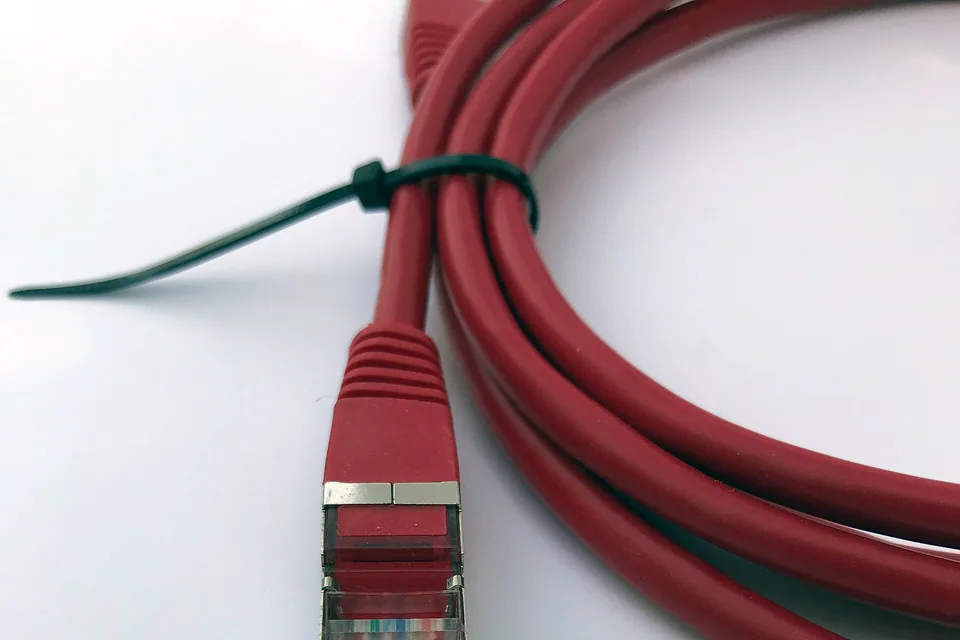
Use a known-good patch lead and a suitable adapter for the wired comparison. If the laptop lacks Ethernet, a USB dock introduces its own limits; record that model rather than treating the wired path as automatically unlimited. A cable into a satellite is a different comparison from a cable into the main router.
If the direct test works but the desk test does not, add the omitted links back one at a time. Try the wall run, then a switch or dock, recording each change. This isolates a local component more efficiently than replacing the router, cables and adapter together.
4. Read the pattern before buying anything
A large improvement beside the main router suggests the room path deserves attention. It may involve distance, obstacles, interference or backhaul. A phone that is faster in the same room adds evidence of a client difference, but it does not isolate the exact cause because antennas and radios differ.
A wired link negotiated at 100 Mbps cannot carry gigabit traffic. Check the adapter and port specification, then swap one known-good cable or port. Do not force a higher link setting to hide a physical problem. If the link is gigabit but the laptop remains slow, compare its workload, adapter path and another supported test service before blaming the cable.
If several capable devices are slow on direct wired tests at the same times, gather timestamps and provider-specific diagnostics. The router’s own fast result may use another destination or traffic pattern. Give support both results and the path used rather than reporting that one test “must be inaccurate”.
5. Stop when the everyday task is reliable
A newer phone, desktop and older laptop do not have to produce identical peaks. Decide whether the laptop can sustain the task you bought the connection for: meetings, file transfers or a particular game. Recheck that task at the original location after each proposed fix.
The comparison sheet keeps router and client readings in separate columns. Keep a stable configuration that solves the real problem; avoid repeated hardware changes merely to chase a marketing rate. If the laptop is the only affected device, a precise adapter or device support case is usually more useful than an undifferentiated broadband complaint.
Keep the result, not just the impression
Common questions
Why is my phone faster than my laptop on the same Wi-Fi?
Different radios, bands, antennas, nodes and device workloads can produce different results. Compare them in the same place and time, then test the laptop on a direct wired path.
Does a 1 Gbps link mean I should download at exactly 1,000 Mbps?
No. Link speed and application throughput are different, and protocol overhead and other limits reduce useful throughput. Read the existing guide to gigabit results around 940 Mbps.
Sources and scope
Related checks
- Understand gigabit results around 940 Mbps
- Check a slow USB adapter or dock
- Isolate a wall-socket connection
Questions before you change anything
Why is the router speed test faster than my laptop?
The router tests a different boundary. Your laptop adds Wi-Fi or Ethernet, adapter capability, browser workload and device processing. Compare the paths before concluding the provider is withholding speed.
How do I make the two results comparable?
Use the same test server, same time, quiet household and same rate units. Different test protocols, destinations and schedules can create a gap even without a local fault.
What does a 100 Mbps link rate on the laptop tell me?
It caps that Ethernet hop. Check port specification, auto-negotiation, patch lead and dock connection. A faster WAN cannot push more through a slower negotiated client link.
Why is the laptop slower even next to the router?
Check Wi-Fi standard, channel width, client antennas and background traffic. Proximity alone does not establish the client’s capability or eliminate local contention.
Which upgrade is likely to help?
Identify the constrained network hop, supported rate, required throughput and before-and-after task. Change the part shown to limit the path, rather than buying a whole new router from one unequal comparison.
Community scenarios behind these checks
- X: a user reported fast public speed tests alongside poor everyday browsing
The report illustrates the need to compare the task that fails. It does not establish deliberate throttling or preferential treatment; those claims require evidence beyond differing test results.
Questions and source links reviewed 21 November 2026. The answers apply the limits described in this guide; they are not a test of your equipment.


Reader questions that informed this update: Reddit: reader discussion. Individual reports help identify questions; answers above use the technical references in this guide.
Explain your own result
Replace the brackets with observations you actually made. Leave unknowns as “not checked”. This draft is written for this guide; it is not a quotation or an automatic diagnosis.
Copying stays on your device. Remove passwords, account numbers and private network details before sharing.
Reader questions that informed this update: Reddit: reader discussion. Individual reports help identify questions; answers above use the technical references in this guide.