Troubleshooting

Find the next useful test.

Start with a symptom, isolate one variable, and keep the result. A cable fault is one possibility—not the only one.

Use the free tools in sequence. Run the free internet speed test for a slow connection, or start with the connection troubleshooter below when one site, device or room fails.

A speed result is just the start

What’s getting in your way?

You don’t need to know the technical cause. Pick the problem you can see.

WireTrace Coach

Speed test is evidence. Tell us what still fails.

What still fails? Start with a free comparison and check whether spending would help.

Your next checks

First, find out how far the problem reaches.

A speed test reaches one service. A working route to that service does not prove that another website, its DNS lookup or its sign-in will work.

  1. Try another website on the same device.

    If other sites work, note the exact error and check the affected service’s official status page. Avoid refreshing or submitting a payment repeatedly.

  2. Try the affected site in a private window, then on another device.

    Keep both devices on the same network. If only one browser fails, check its extensions, site data and sign-in. Change one thing at a time.

  3. Compare Wi-Fi with mobile data, if available.

    Turn Wi-Fi off on the phone for this comparison; mobile data charges may apply. If mobile data works but home Wi-Fi does not, the home connection, DNS, filtering or route needs investigation. This does not identify which one.

Keep the evidence. Get better help.

Take your readings and the checks you’ve tried to your provider, an IT helper or your AI assistant. Add the actual outcome before sharing.

How do you narrow down a link fault?

Start by confirming the actual link rate and whether the problem affects one device, one outlet or several connections. Compare the same devices with a known-good short lead before replacing the installed cable. Change one variable at a time, and record the original symptom so you can repeat the check after repair.

  1. Record the link rate, affected devices and whether the link drops.
  2. Compare ports and patch leads one at a time with a known-good setup.
  3. Check the isolated cable with a suitable tester, then repeat the original test after repair.
Optional equipment for this check · commercial links

THE SELECTED RANGE · PAYVERZA

Get the kit for your next check.

Trace a disconnected cable, check basic wiring or identify PoE. Compare the two listings by the job you actually need to do.

Use the free selector →
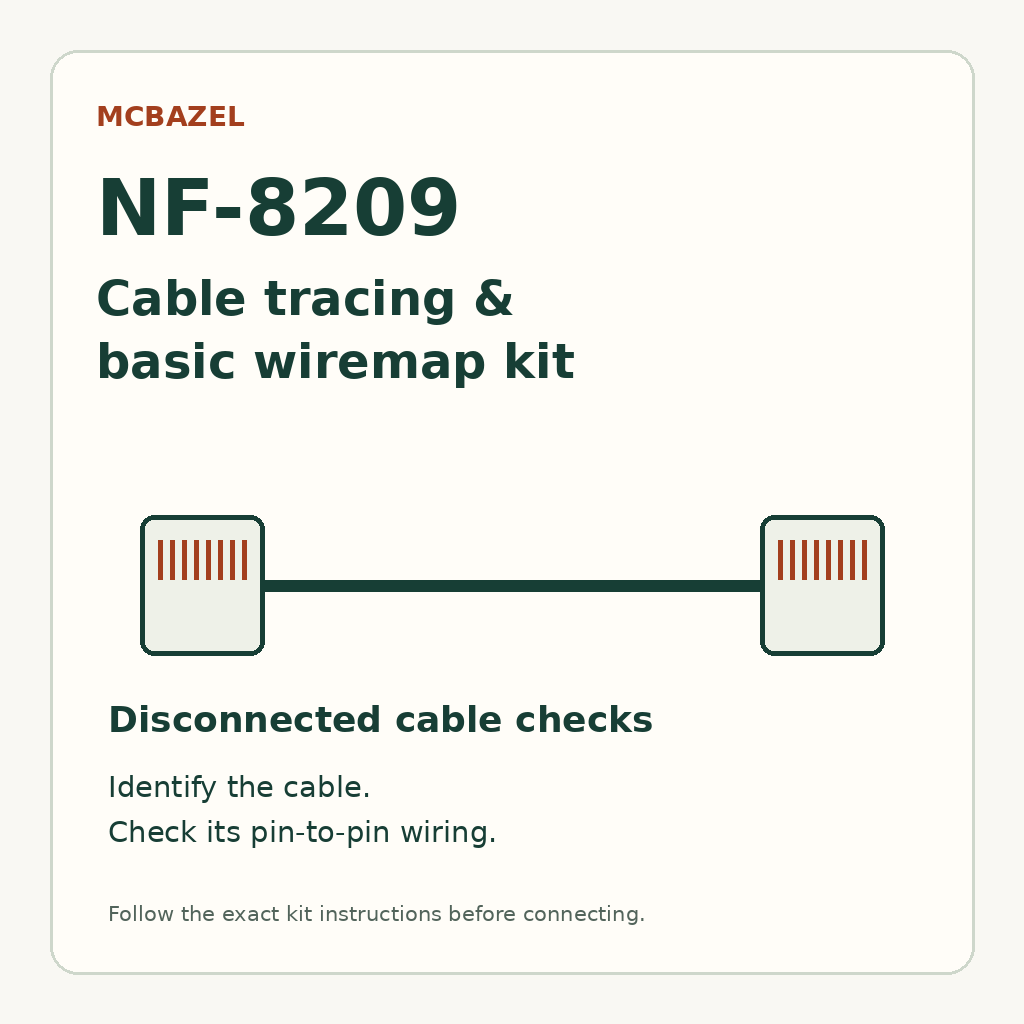
MCBAZEL NF-8209 cable tracing and basic wiremap reference diagram

TRACING & BASIC WIRING

MCBAZEL NF-8209 kit

Trace a disconnected cable. Check its wiring.

A listed emitter, receiver and RJ45 wiremap remote for cable identification and basic continuity checks.

£76.27 GBP

Price and availability confirmed by Payverza at purchase

View kit at Payverza

Confirm the supplied instructions before connecting. Not offered as a speed qualifier, PoE load tester or cabling certifier.

PROSTENETWO tester and cable probe shown in the product listing

PoE & PORT IDENTIFICATION

PROSTENETWO PoE tester

Identify PoE supply. Locate a switch port.

A tester listing PoE identification, port flash, basic cable checks and length measurement. Match the function to your task.

£109.51 GBP

Price and availability confirmed by Payverza at purchase

View kit at Payverza

PoE detection does not prove power under load. No speed qualification or cabling certification is claimed.

View the full selected range

Commercial links · Sold by Payverza. Listed capabilities, not independent WireTrace tests. Our relationship.

Which related test could help next?

Use the related guides to check another part of the diagnosis once the first comparison is complete. Wiring, application support and power delivery are different questions, so a result in one area may leave another unresolved. Select the next test from the remaining symptom, rather than treating every PASS as a complete answer.

Which references support these checks?

The references below support the terminology, documented tool capabilities and external cases used in this category. Manufacturer information applies to the named instrument; a published case records another author’s observations. Follow the linked guide for the relevant scope and limitations, and use the project specification to determine any required acceptance test.

Practical guides

Keep going with the problem you have

Speed looks fine, websites fail →Wi-Fi struggles upstairs →Phone works, laptop does not →Calls freeze or break up →
Browse all connection guides →

Put this page to work

Begin with a comparison you can act on

Try this comparison
Choose whether the failure follows one task, one device, one room or every connection. Keep a working public task as a control and change one condition at a time.
What the result can establish
A good speed result is useful evidence for its tested path; it is not an all-network health certificate. Record the next observable result before buying equipment.
Keep these details
Task; connection path; device/model; time; observation; next check.
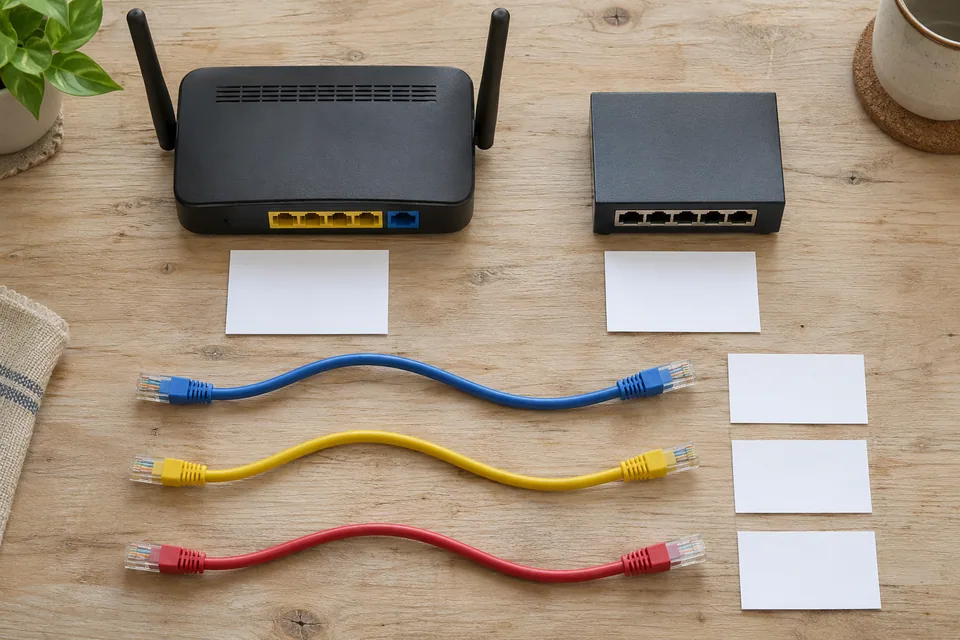
Equipment prepared for mapping a small network — AI-generated scene illustration
Equipment prepared for mapping a small network. AI-generated scene illustration; not a measured result or an exact wiring reference.
Person comparing a phone and laptop at a desk
Person comparing a phone and laptop at a desk. Photo: Alejandro Escamilla · CC0 1.0 Universal. Context photograph; not a measurement result for this guide.
Work VPN connects, but websites are slow →

A related check worth keeping

Name the task, then choose the path

A television, carrier phone call, local printer and a full-fibre outage need different first observations. Keep one working control and use the focused guide for the service that fails. Record whether the issue follows the device, room, application or whole connection.

Smart TV keeps buffering but the phone is fast: compare the TV’s own path →
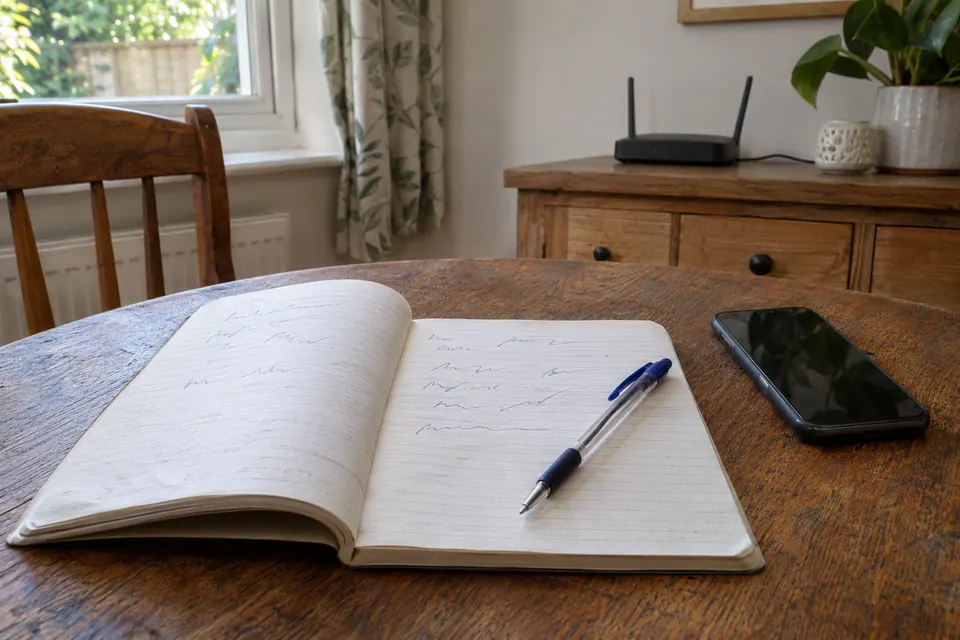
A notebook used to keep times and observations during a fault
A notebook used to keep times and observations during a fault. AI-generated illustrative scene; not an installation or product-test photograph.

Put this page to work

Which ordinary task should I compare after the speed test?

Choose the task that actually fails: a programme on the TV, a named website, a work call or a local device. Record the same device and path before changing equipment.

Only one TV streaming app buffers: separate the app, title and service from the network →